

TrueNAS는 Proxmox VE 스토리지 플러그인을 출시하여 Proxmox가 TrueNAS 시스템에서 VM 디스크를 직접 프로비저닝하고 관리할 수 있도록 했습니다. Proxmox에서 요청된 디스크는 TrueNAS 25.10 이상 버전에서 OpenZFS zvol이 되어 iSCSI LUN 또는 NVMe/TCP 네임스페이스로 게시됩니다. 플러그인은 TrueNAS UI에서 볼륨별 설정을 할 필요 없이 Proxmox 측에서 디스크 생성, 스냅샷, 크기 조정, 마이그레이션 및 삭제를 처리합니다. 이번 릴리스는 얼리 어답터를 대상으로 하며, TrueNAS 커뮤니티 에디션 사용자가 먼저 이용할 수 있고 엔터프라이즈 버전은 검증 단계에 있습니다.
TrueNAS Proxmox 플러그인이 대체하는 기능
현재 대부분의 Proxmox-on-TrueNAS 배포 환경은 NFS 또는 수동으로 구성한 iSCSI LUN에서 실행됩니다. NFS 환경에서 Proxmox는 QEMU 복사-쓰기(copy-on-write) 파일을 통해 VM 스냅샷을 처리하며, Proxmox 자체 스토리지 문서에 따르면 대용량 디스크의 스냅샷 생성에는 몇 분에서 극단적인 경우 몇 시간까지 소요될 수 있습니다. 수동으로 구성된 iSCSI는 이러한 문제를 해결하지만, Proxmox VE 9 이전에는 네이티브 스냅샷 지원이 없었으며, 새 디스크를 추가할 때마다 새 zvol, 새 iSCSI 익스텐트, 그리고 어레이의 새 LUN 매핑이 필요했습니다. Proxmox의 기존 ZFS-over-iSCSI 플러그인 유형은 ZFS 기반 어레이의 이러한 문제를 어느 정도 해결해 주었으며, 이제 TrueNAS는 이를 대체하는 전용 플러그인을 제공합니다.
플러그인을 설치하면 스토리지 작업은 Proxmox 인터페이스 내에서 수행됩니다. 관리자는 VM 디스크를 생성하고, OpenZFS 스냅샷을 찍고, 볼륨 크기를 조정하고, 마이그레이션하고, 삭제할 수 있으며, TrueNAS는 필요에 따라 기본 블록 장치를 씬(thin) 형태의 스파스(sparse) zvol로 프로비저닝합니다. 스냅샷은 OpenZFS에서 기본적으로 실행되며, RAM 상태를 캡처하는 라이브 VM 스냅샷도 포함됩니다. 클론, 이동, 백업 및 가져오기 작업은 여전히 Proxmox 호스트에서 실행되며, TrueNAS의 기본 NFS 및 SMB 공유는 ISO 이미지 및 백업 디렉터리와 같은 파일 기반 콘텐츠에 대한 경로로 사용되며, 동일한 풀에서 제공됩니다.
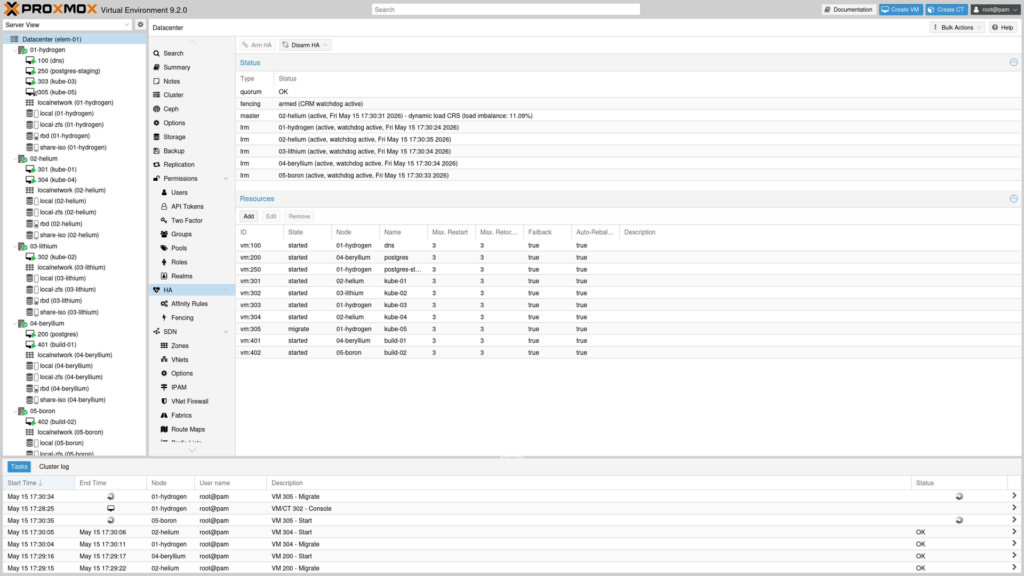
iSCSI 및 NVMe/TCP 지원
전송 방식은 Proxmox 스토리지 항목별로 선택됩니다. iSCSI는 Proxmox VE 8.x 이상에서 작동하며, NVMe/TCP는 Proxmox VE 9.x 이상과 각 노드에 nvme-cli 이니시에이터가 설치되어 있어야 합니다. TrueNAS는 지연 시간이 가장 중요한 경우 NVMe/TCP를 옵션으로 권장합니다. 인증은 일부 ZFS-over-iSCSI 워크플로에서 필요한 루트 SSH 액세스 대신 TrueNAS API 키를 사용합니다.
하나의 TrueNAS 시스템에 대해 여러 Proxmox 클러스터를 실행하는 환경의 경우, 플러그인은 클러스터당 하나의 데이터셋과 하나의 iSCSI 타겟 또는 NVMe 서브시스템을 강제하여 익스텐트 이름 충돌을 방지하고 각 클러스터의 스토리지를 분리합니다. TrueNAS는 컴퓨팅과 스토리지를 분리된 형태로 설계하며, Proxmox는 컴퓨팅 측에, TrueNAS는 그 아래의 데이터 플랫폼에 위치하도록 합니다. TrueNAS는 하이퍼컨버지드 Ceph 배포를 대체하는 것이 아님을 명확히 합니다.
설치 및 TrueNAS 지원
이 플러그인은 서명된 APT 저장소를 통해 배포되며, Proxmox VE 8 용 Bookworm 패키지와 Proxmox VE 9 용 Trixie 패키지가 포함되어 있습니다 . 설치 프로그램은 Proxmox 버전을 감지하고, 클러스터 인식 기능을 통해 상태 점검 및 롤백을 수행하며, 독립 실행형 .deb 패키지는 에어갭 노드를 지원합니다. TrueNAS 측 설정 단계는 TrueNAS Proxmox VE 스토리지 플러그인 설명서를 참조하십시오.
스토리지 측면에서는 TrueNAS 25.10 이상 버전이 필요합니다. 이 플러그인은 TrueNAS 커뮤니티 에디션과 H 시리즈 및 V 시리즈를 포함한 엔터프라이즈 어플라이언스에서 실행되며, 엔터프라이즈 어플라이언스에는 고가용성이 추가됩니다. 엔터프라이즈 지원은 현재 검증 중이며, TrueNAS는 영업팀을 통해 지금 바로 주문할 수 있다고 밝혔습니다. 단, 실제 운영 환경에 적용하기 전에 설계 검토를 권장합니다. TrueNAS는 또한 Proxmox 파트너와 협력하여 완벽한 시스템 통합을 지원할 예정입니다.
TrueNAS Proxmox 플러그인 사용 가능 여부
TrueNAS Proxmox 플러그인은 프로젝트의 GitHub 릴리스 페이지에서 지금 바로 다운로드할 수 있습니다. TrueNAS는 프로덕션 환경이 아닌 Proxmox 클러스터에 초기 도입 버전을 먼저 설치하고 워크로드와의 호환성을 검증한 후 프로덕션 VM을 마이그레이션할 것을 권장합니다. TrueNAS의 공지 게시글에서 설계 배경에 대한 자세한 내용을 확인할 수 있습니다.


 아마존
아마존