

Dell’s UltraSharp U5226KW is built around a simple premise: replace your entire multi-monitor setup with one massive 52-inch 6K display. Spanning 6144 × 2560 across a single uninterrupted panel, it offers the kind of workspace normally reserved for dual 4K screens, but without bezels, gaps, or the constant window juggling that comes with them.
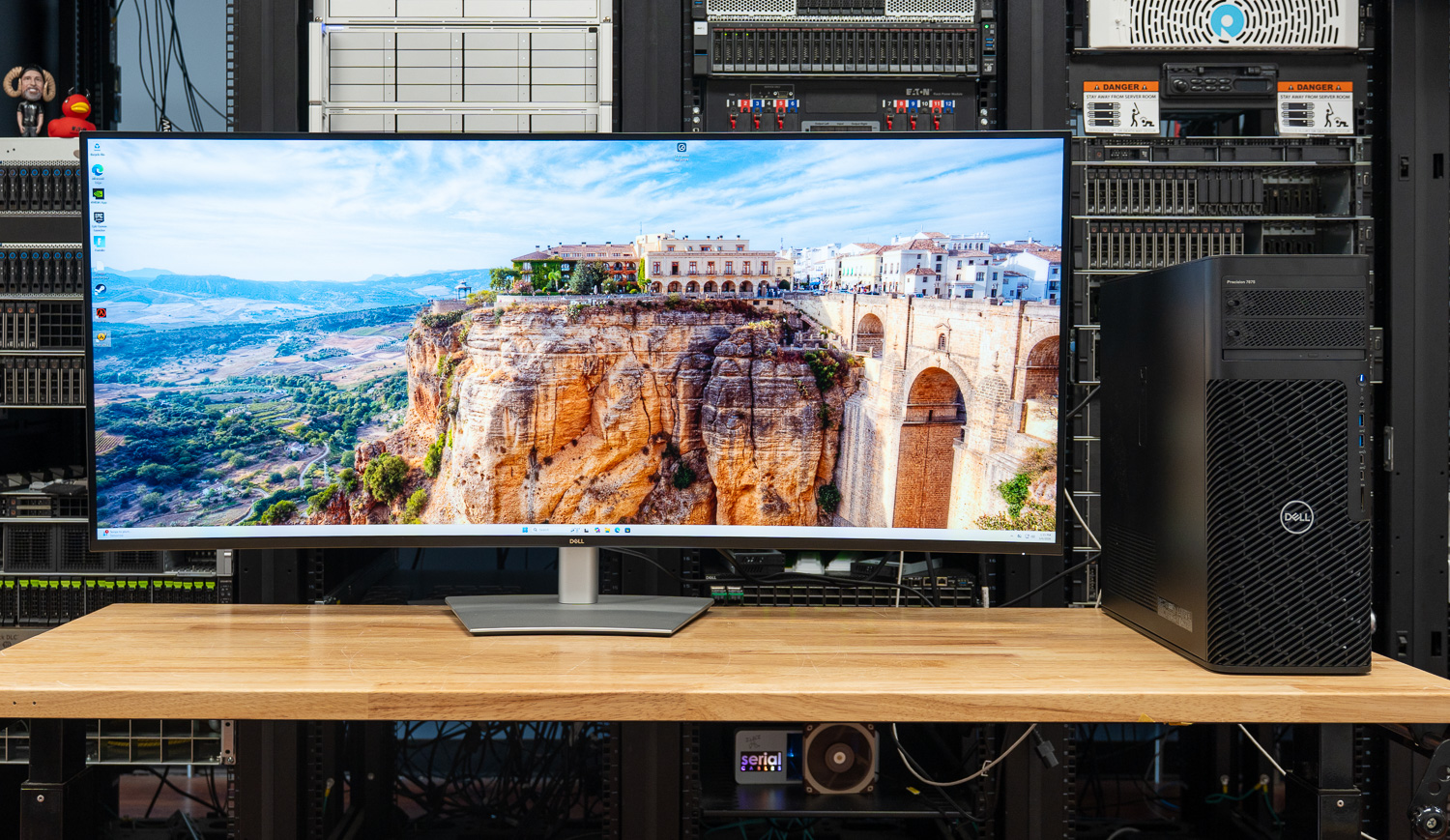
As a 52-inch 6K display, it sits in a niche segment of the professional monitor market. At around $2,900, it is aimed at users who can actually take advantage of that scale, whether that’s dense multi-window workflows, large datasets, or timeline-heavy content creation.
Beyond the panel itself, the U5226KW serves as a full docking hub, making the display the center of your entire setup. A single Thunderbolt 4 connection handles display output, up to 140W power delivery, networking via 2.5GbE, and KVM control, effectively consolidating your desk into one cable.
The real question is how that combination of docking functionality, size, and pixel density holds up in day-to-day work. So, let’s take a closer look.
Screen Layout and Multi-Window Flexibility
Dell provides a range of screen partitioning options that allow the panel to function like several displays at once. Horizontal splits, vertical slices, large primary windows with smaller secondary panels, and various multi-window layouts are supported.
On a workstation or desktop operating system, these regions simply appear as custom resolutions, which works well for arranging multiple applications. External devices with fixed resolution options (such as consoles) are less flexible because they rely on specific aspect ratios.
The panel supports 1.07 billion colors, 99% coverage of the DCI-P3 and Display P3 color spaces, and full sRGB and BT.709. In use, this means smoother gradients with minimal visible banding. Dell also factory calibrates the display to a Delta E below 1.5, which is accurate enough for most professional workflows out of the box.
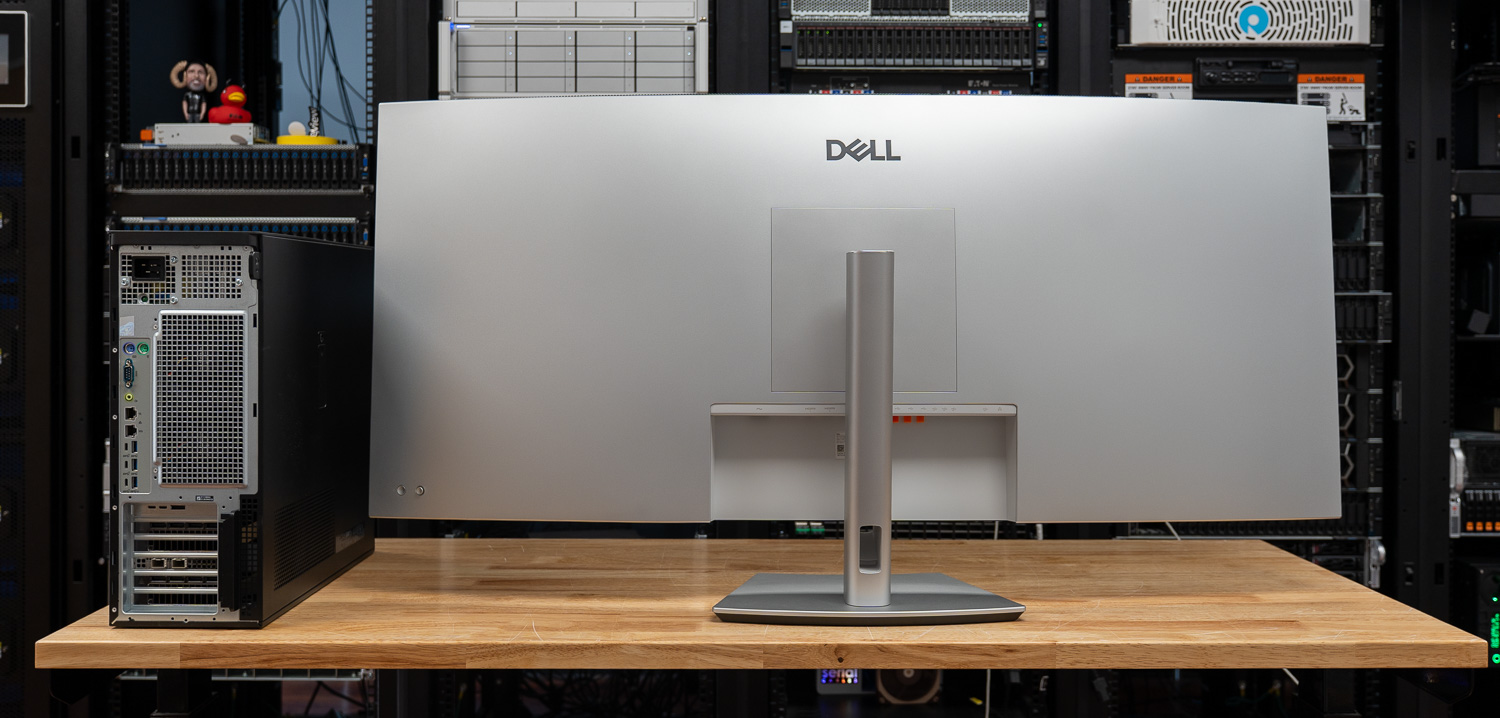
On the physical side, this is a large and heavy display, measuring just over 48 inches wide and weighing more than 40.2 pounds with the stand attached, so desk space and mounting matter. The stand allows for 3.54 inches of height adjustment, along with tilt and swivel, providing flexibility in positioning. There is no pivot support, which lines up with the size and ultrawide format. For those planning to mount it, the display supports multiple VESA patterns, including 100 × 100, 200 × 100, and 200 × 200, so it will work with heavier-duty arms or wall mounts.
Dell’s UltraSharp 52 Thunderbolt Hub Monitor (U5226KW) Specifications
| Specifcations | Dell UltraSharp 52 Thunderbolt Hub Monitor |
|---|---|
| General | |
| Number of Screens | 1 |
| Screen Size Class | 52″ |
| Viewable Screen Size | 51.5″ |
| Screen Mode | 6K |
| Panel Technology | In-Plane Switching (IPS) Black Technology |
| Curved Screen | Yes |
| Curvature | 4200R |
| HDCP Supported | Yes |
| Mount Type | Panel Mount |
| Display Specifications | |
| Maximum Resolution | 6144 x 2560 at 120Hz |
| Standard Refresh Rate | 120 Hz |
| Aspect Ratio | 21:9 |
| Pixel Pitch | 0.19644 mm x 0.19644 mm |
| Pixel Per Inch (PPI) | 129 |
| Horizontal Viewing Angle | 178° |
| Vertical Viewing Angle | 178° |
| Native Contrast Ratio | 2,000:1 |
| Brightness | 400 cd/m² |
| Color Supported | 1.07 Billion Colors |
| Color Gamut | 99% DCI-P3 (CIE 1976) 100% sRGB (CIE 1931) 100% BT.709 (CIE 1931) 99% Display P3 |
| Calibration Accuracy | E < 1.5 |
| Response Time Details | 5 ms GTG (Fast) 8 ms GTG |
| HDMI Feature Support | Variable Refresh Rate (VRR) |
| Surface Treatment | Anti-glare Low Reflectance |
| Glass Hardness | 3H |
| Flicker Free | Yes |
| Ergonomics | |
| Maximum Adjustable Height | 3.54″ |
| Tilt Angle | -5° to 10° |
| Swivel Angle | -20° to 20° |
| Slant Angle | -2°/2° |
| Pivot | No |
| Audio | |
| Speakers | Yes |
| Number of Speakers | 2 |
| Speaker Output Power | 2 x 9 W |
| Microphone | No |
| Connectivity | |
| Connectivity |
|
| Power | |
| Input Voltage Range | 100V AC to 240V AC |
| Voltage Current | 5.50 A |
| Operating Power Consumption | 63.60 W |
| Standby Power Consumption | 0.5 W |
| Off-Mode Power Consumption | 0.3 W |
| Maximum Power Consumption | 430 W |
| Physical Characteristics | |
| Width | 48.16″ |
| Height | 20.83″ |
| Depth | 4.41″ |
Panel Technology and Image Performance
Dell uses IPS Black panel technology here, where a typical IPS panel has a 1000:1 contrast ratio, and IPS Black brings that closer to 2000:1. The difference shows up most in darker content, with blacks appearing deeper instead of slightly gray. For work in darker interfaces, video timelines, or dense dashboards, this helps keep elements more distinct and easier to separate.
With a rated brightness of 400 cd/m², the panel is better suited to productivity than HDR use, and in practice, it holds up well in bright environments. Under the strong overhead lighting in our lab, the display remained bright enough to be comfortable for extended sessions.
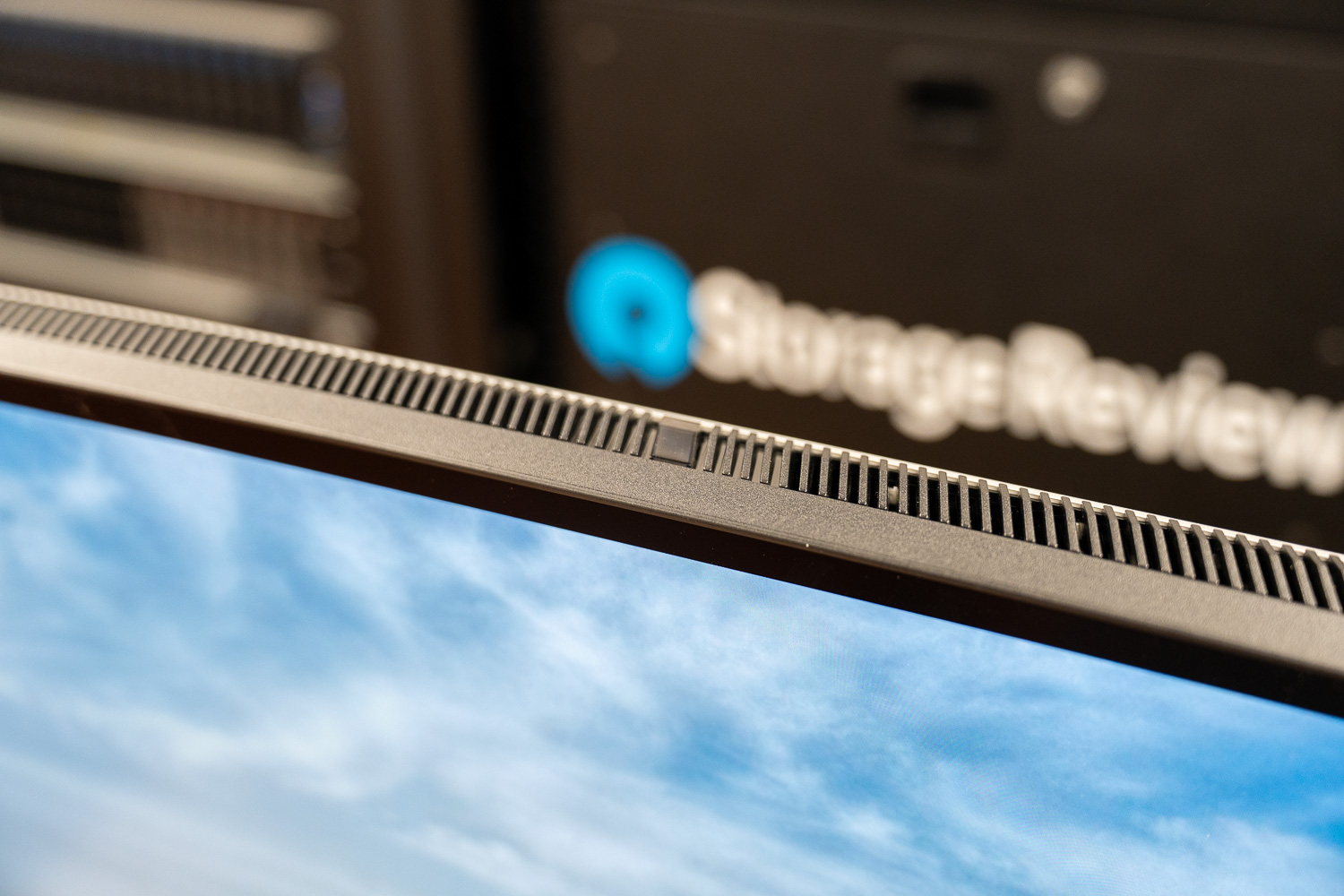
 An ambient light sensor mounted along the top edge monitors room lighting and can automatically adjust both brightness and color temperature. In a controlled office environment where lighting rarely changes (like ours most of the time), the feature doesn’t have much impact on day-to-day use. However, in home offices where sunlight and ambient light vary throughout the day, the adjustments help keep brightness levels and color temperature balanced as conditions change.
The panel also uses a matte anti-glare surface, which significantly reduces reflections from overhead lights or windows. Combined with the large surface area of the display, the matte coating helps maintain readability across the entire panel.
For setups that require more control, Dell Display and Peripheral Manager allows profiles to be created and stored directly on the monitor, making it easier to keep color consistent across multiple displays in the same workspace.
Living With a 52-Inch Monitor
After using a display this large for a week or so, it introduced different ergonomic considerations compared to traditional 27- or 34-inch productivity monitors. At native scaling and closer viewing distances, the full width of the panel can require noticeable head movement when scanning across applications. Some users may prefer to position the display farther back on the desk and increase OS scaling to keep everything within a more relaxed field of view. That setup can make the screen easier to view since your eyes and neck do not have to move as much, but increasing scaling also means icons and text become larger. This reduces some of the extra workspace provided by 6K resolution.
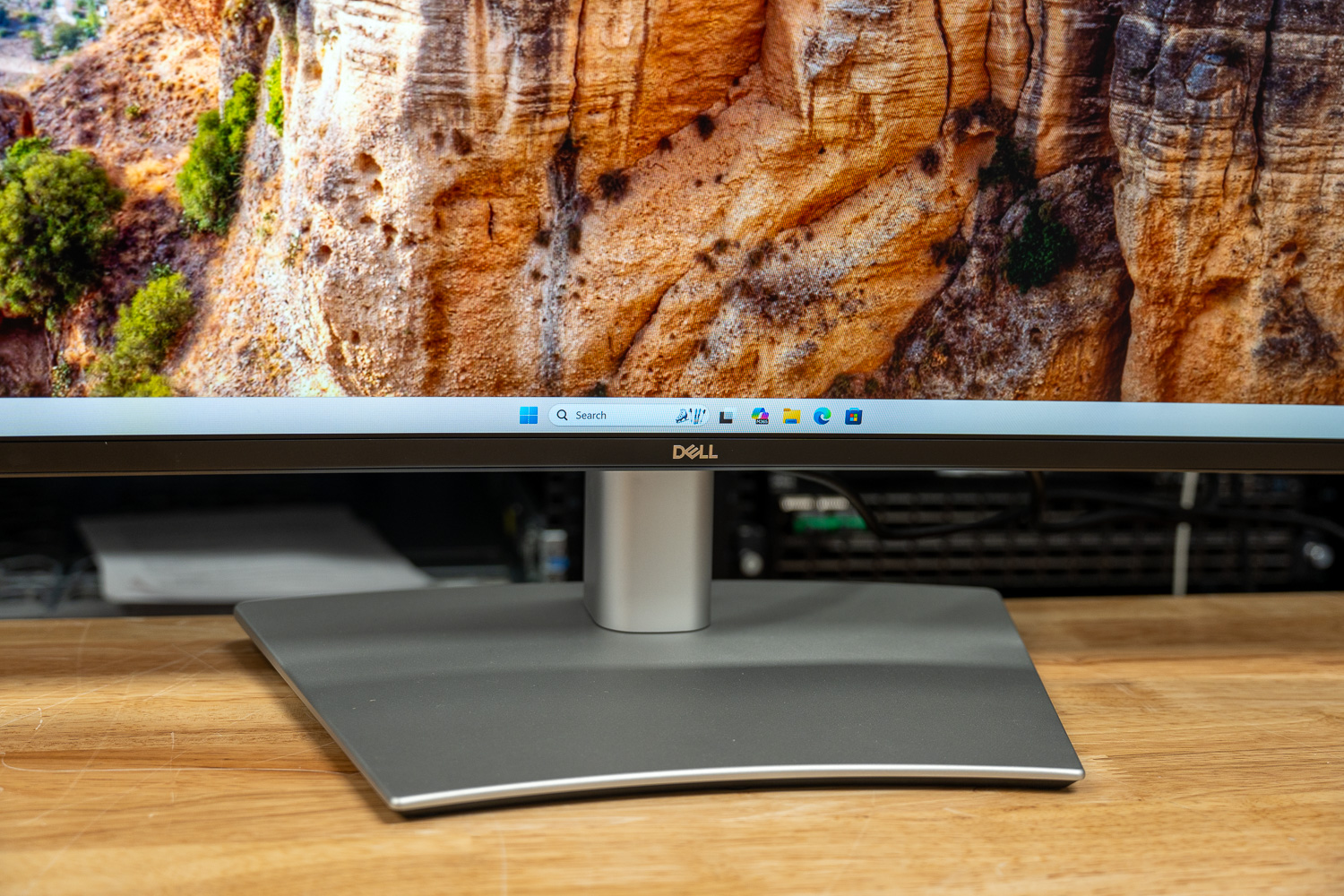
The panel uses a 21:9 aspect ratio with a 4200R curve, and at this size, I found that the curve helps bring the edges of the screen in a bit so you are not constantly looking side to side as much. With pixel density at around 129 PPI, it is very similar to a 27-inch 4K display, so text and UI elements look sharp when running at native scaling.
Motion, Eye Comfort, and Long-Session Usability
Large productivity monitors often operate at 60 Hz, but the U5226KW runs at 120 Hz, which improves cursor tracking and scrolling across a screen this wide. The difference becomes more noticeable when navigating large spreadsheets, timelines, or long documents that stretch across the full width of the display. The U5226KW also includes HDMI 2.1 with Variable Refresh Rate (VRR) support. While gaming is not really what this display is built for, VRR helps keep motion smooth by matching the screen’s refresh rate to your system’s output when frame rates vary.
The U5226KW carries two separate TÜV Rheinland certifications: a 5-star eye comfort rating and a Category I hardware low-blue-light certification, and it is the first monitor to achieve the latter. The Category I certification means blue light emissions are reduced to no more than 20% of typical output, and unlike software filters, there is no noticeable shift in color balance during use. With flicker-free backlighting, the display held up well during long work periods without causing strain.
Design, Build, and Hub Connectivity
The U5226KW operates as a full docking hub for modern workstations and laptops. A Thunderbolt 4 upstream connection provides 40 Gbps bandwidth, DisplayPort 1.4 Alt Mode support, and up to 140W of power delivery using the Extended Power Range (EPR) specification. That power level is more than enough for mobile workstations and high-performance laptops that draw over 100W under sustained workloads.
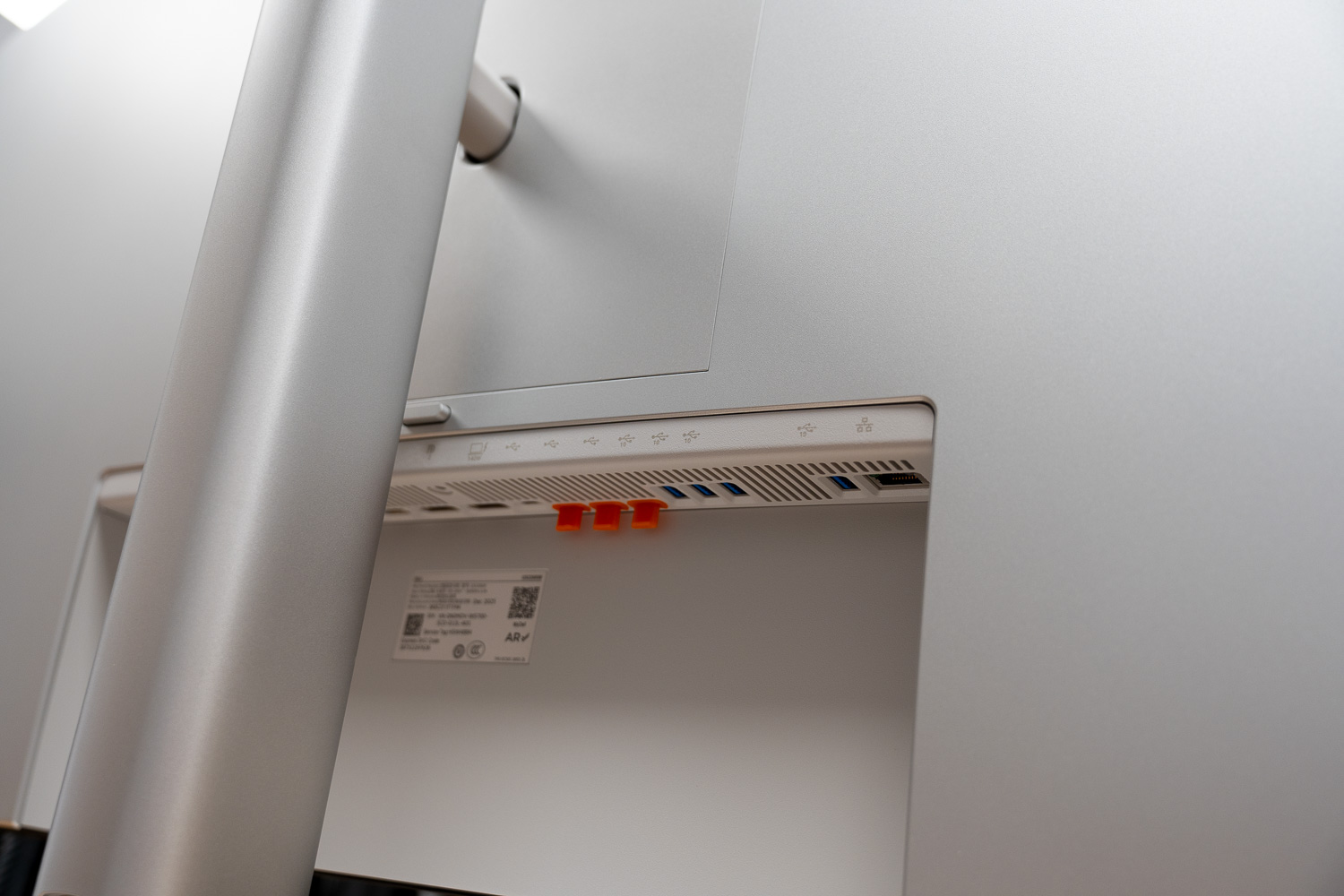
Video inputs include two HDMI 2.1 ports and two DisplayPort 1.4 inputs, allowing multiple systems to remain connected simultaneously. The monitor also integrates a 2.5GbE Ethernet port with enterprise management features including PXE boot, MAC address pass-through, and Wake-on-LAN, allowing the display to integrate directly into managed IT environments.
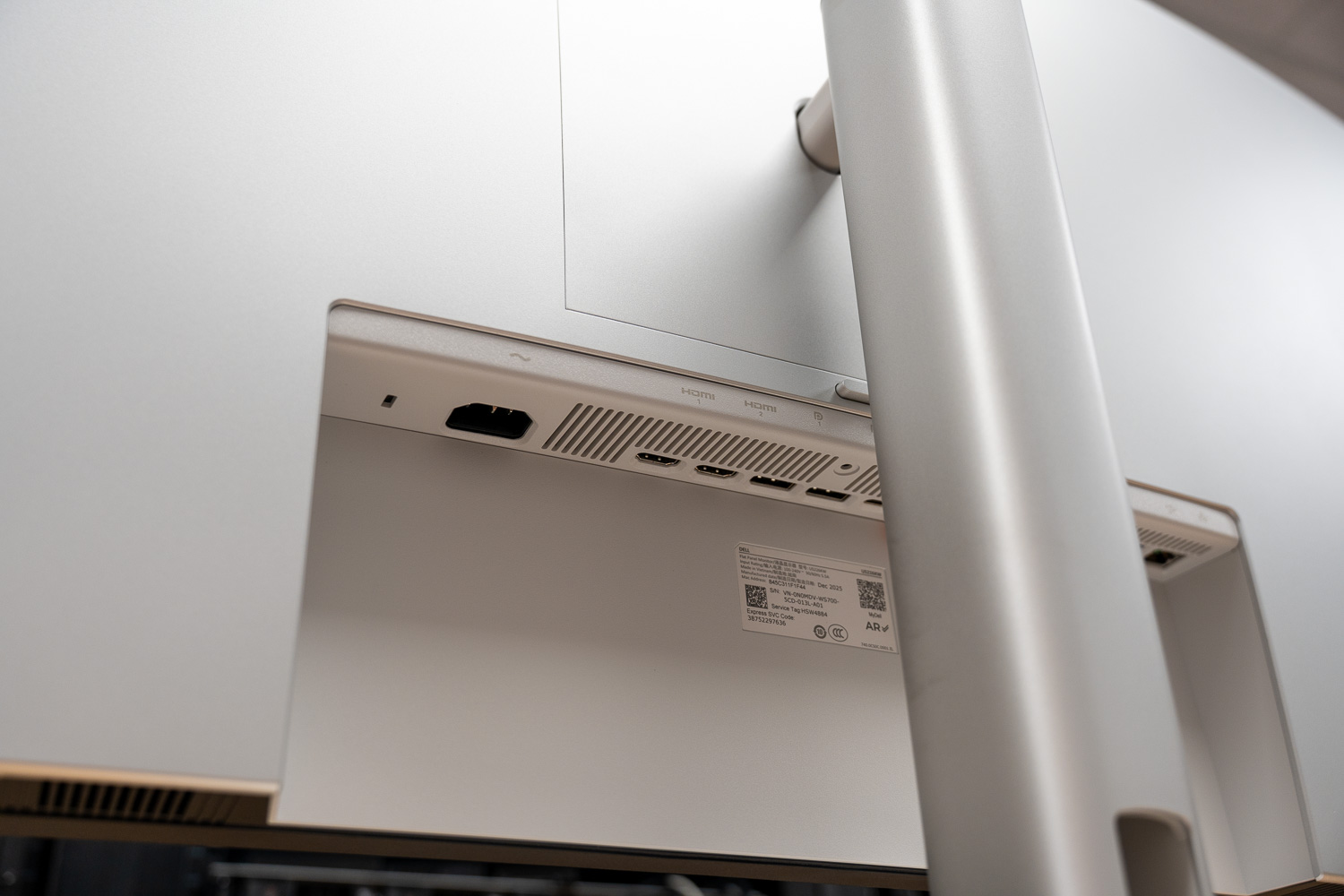
The USB configuration is extensive as well, with several 10 Gbps USB-A and USB-C ports available both upstream and downstream, along with 27 W USB-C charging outputs and BC1.2 support on one USB-A port for higher-current charging.
For multi-system environments, Picture-by-Picture supports multiple input sources on the display simultaneously, with the monitor’s five available inputs (two HDMI, two DisplayPort, and one Thunderbolt 4) allowing several systems to remain connected at once. The monitor also includes an Auto USB KVM function with Ethernet switching, allowing one keyboard and mouse to control multiple connected systems while maintaining network connectivity through the monitor.
Integrated audio consists of dual 9 W speakers. In professional environments, monitor speakers are often secondary to external audio systems or headsets. The output level here is higher than that of most integrated display speakers and works well enough for conferencing, training materials, or temporary setups.
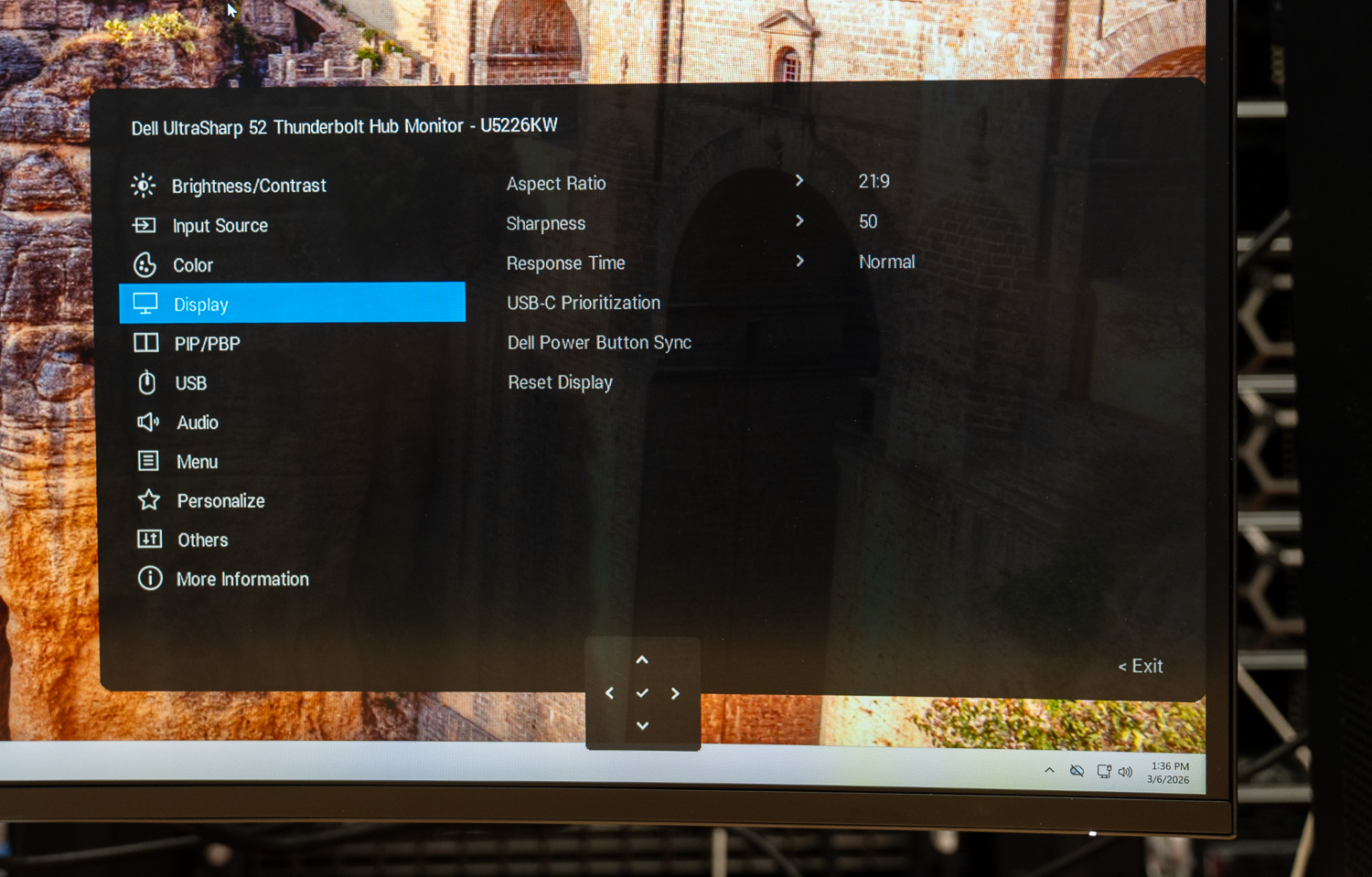
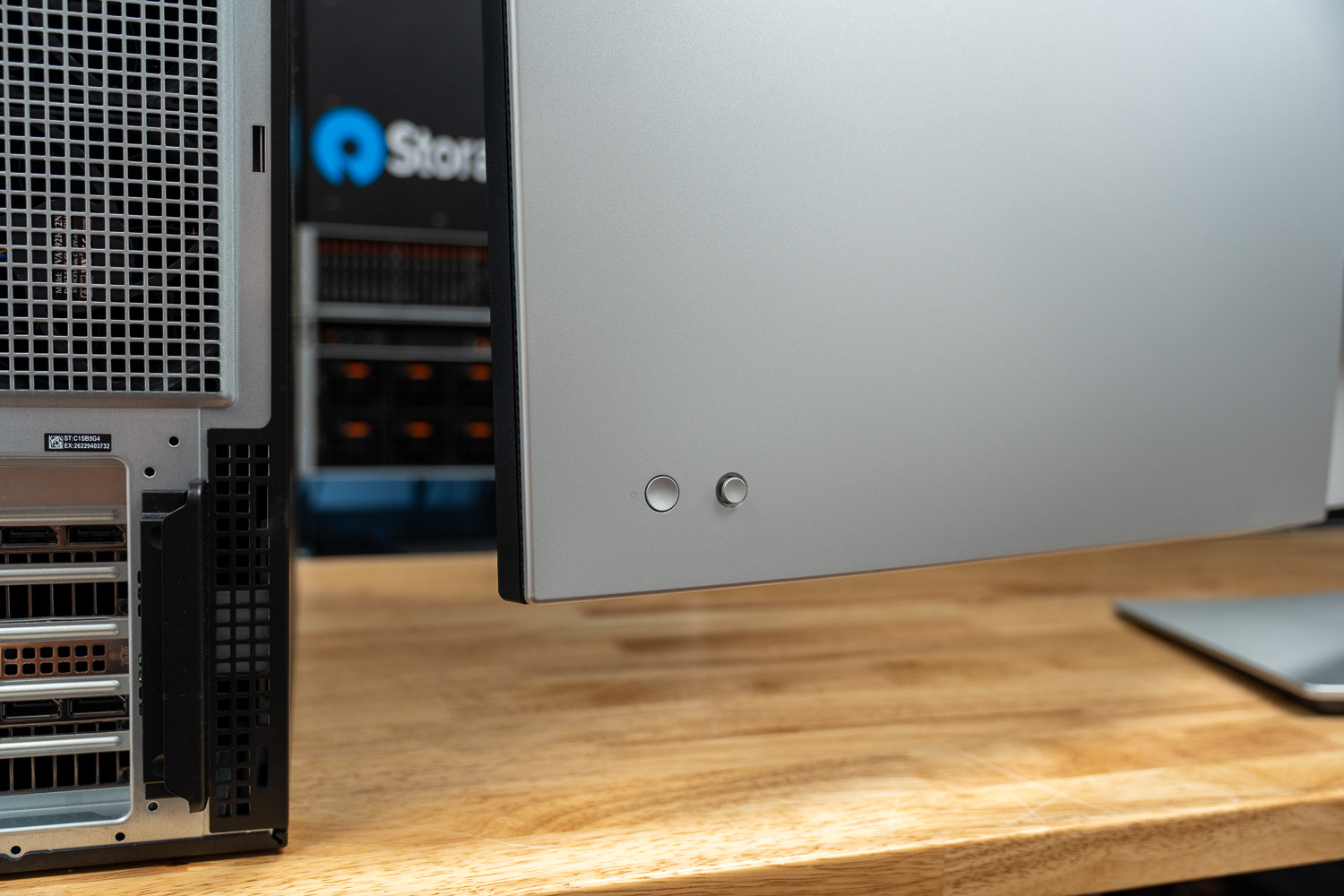
The monitor’s size becomes noticeable when accessing the on-screen display controls. Reaching around the side of a 52-inch panel takes a little more effort compared to finding the edge of a smaller monitor. The interface itself follows the same layout Dell uses across its UltraSharp lineup, but the experience changes slightly because of the screen’s sheer width.
Conclusion
Ultimately, your experience with the U5226KW depends on how well your workflow can leverage a single, massive canvas. The 52-inch 6K display can cleanly replace a dual-monitor setup, but it does require some adjustment. Sitting closer gives you access to the full workspace, while pulling the display back improves comfort at the cost of usable density.
Once dialed in, the benefits become clear. The ability to organize everything on one continuous screen removes the friction of multi-monitor layouts, especially for PC workflows where window management and screen partitioning are flexible.
Image quality is strong, brightness holds up well in bright environments, and the matte finish keeps reflections under control across the full panel. The integrated hub adds real value, turning the display into a single-cable connection point for power, networking, and peripherals.
At $2,900, this is not a general-purpose upgrade. It makes the most sense for users who can fully utilize the space, whether that is multi-window productivity, large datasets, or timeline-based work. In the right setup, the U5226KW does something few displays can: it replaces not just multiple monitors, but the complexity that comes with them.


 Amazon