StorageReview.com

End User Software Reviews

This category covers the software that runs on the machines in our End User reviews, with the current focus on local LLM tools: desktop apps and runtimes such as Jan, LM Studio, and Ollama that download an open-weight model and serve it from a laptop or workstation GPU. Each hands-on installs the tool from scratch on lab hardware, works through model download, GPU offload, and the settings that matter, and measures decode throughput so results can be compared across tools on the same system. The category also holds the drive utilities and homelab guides we have published over the years, from Samsung Magician and the Solidigm Synergy toolkit to Proxmox and pfSense builds.

If you are choosing a tool, start with our Best Local LLM Tools leaderboard, which ranks runtimes, desktop apps, and agent frameworks and links each hands-on guide as it publishes. For the hardware side, the Best Laptops for Local AI and Best Desktops for Local AI pages rank systems on measured model performance, and our agentic AI hardware sizing guide covers how much VRAM, RAM, and storage a given model needs before you buy.


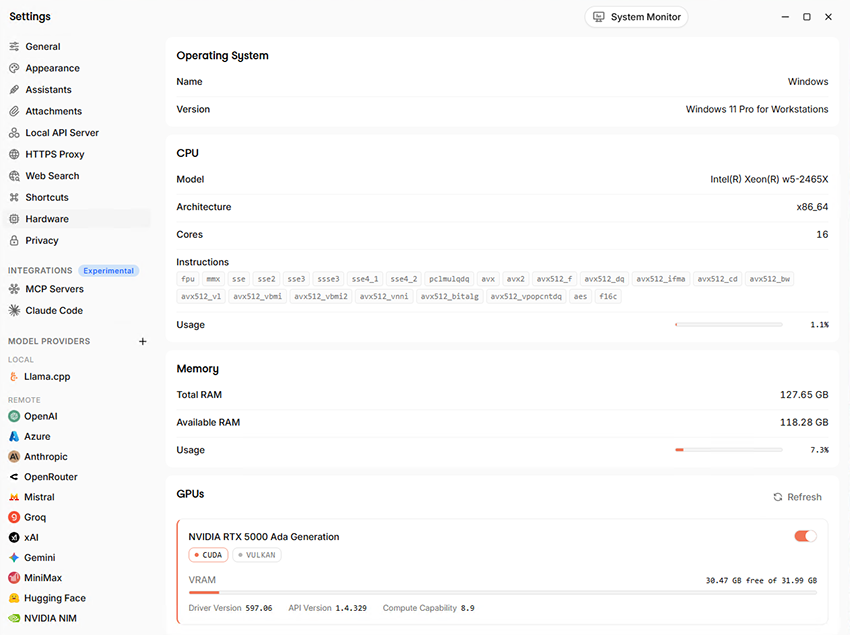
Jan v0.8.6 Hardware settings page showing Windows 11 Pro for Workstations, an Intel Xeon w5-2465X, 127.65GB of RAM, and an NVIDIA RTX 5000 Ada Generation GPU with 31.99GB of VRAM
End User  ◇  Software

Jan v0.8.6 Hands-On: Running Local LLMs on Windows

Running large language models locally has become much easier over the past couple of years, but a gap remains between downloading a model and having a useful desktop environment for it. Jan describes itself as a ChatGPT alternative, offering an open-source desktop app with a familiar chat-style interface that keeps most of the setup inside

End User  ◇  Software

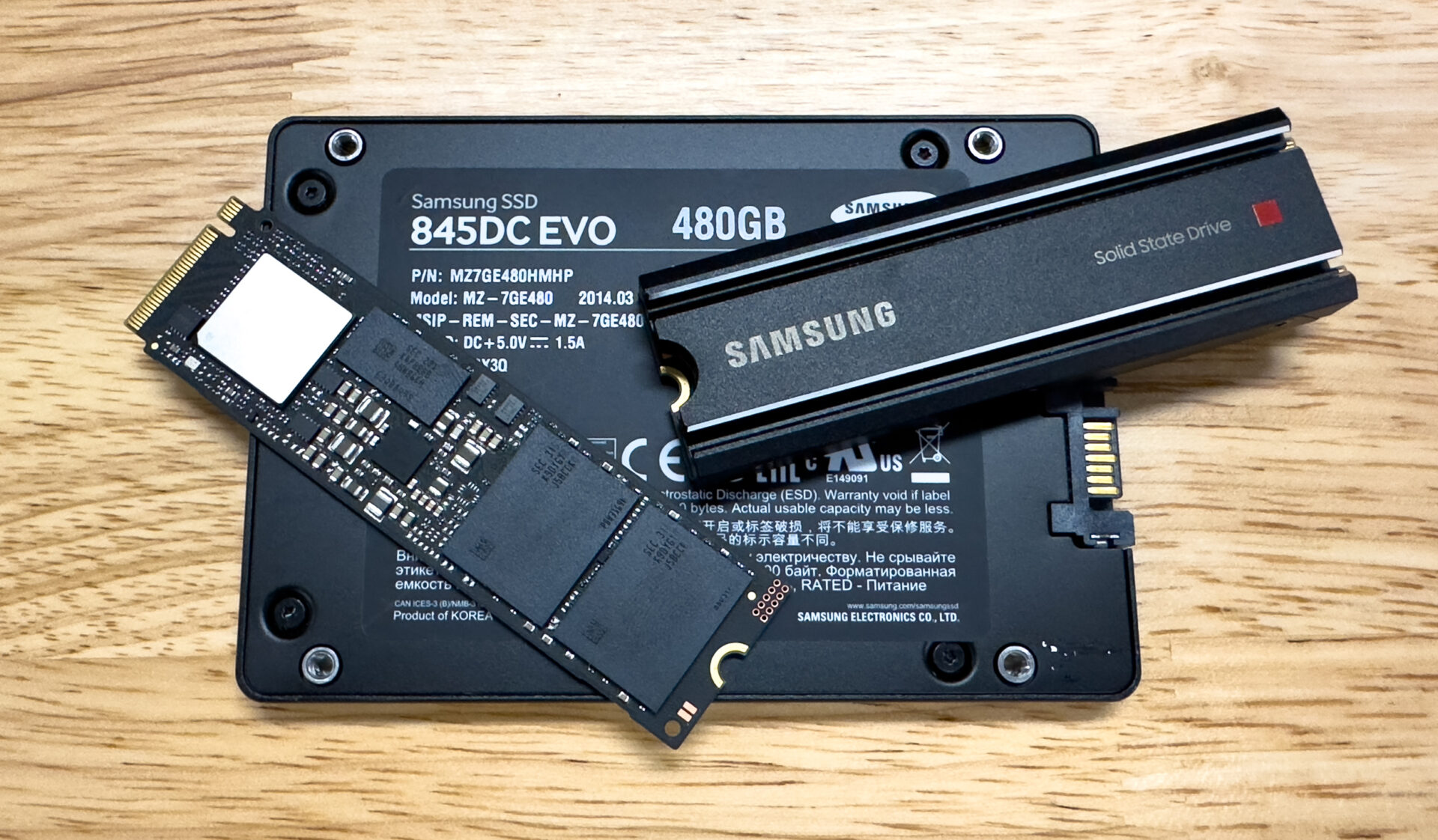
Samsung Magician 8 Review

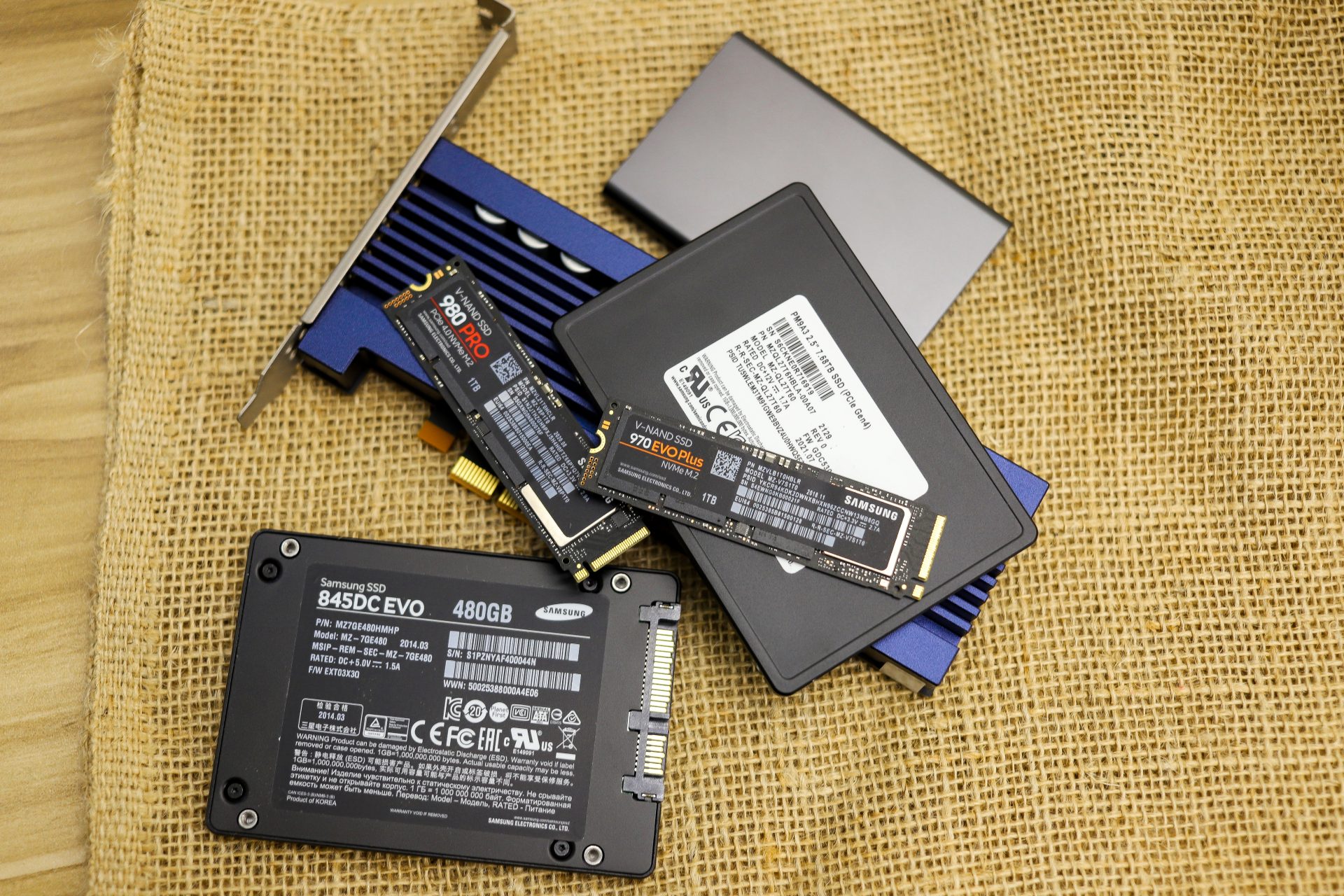
Samsung recently released Samsung Magician Version 8, the free SSD management utility suite for internal and consumer drives. Besides being free, Magician provides useful drive information like speeds, health, and security settings.

End User  ◇  Software

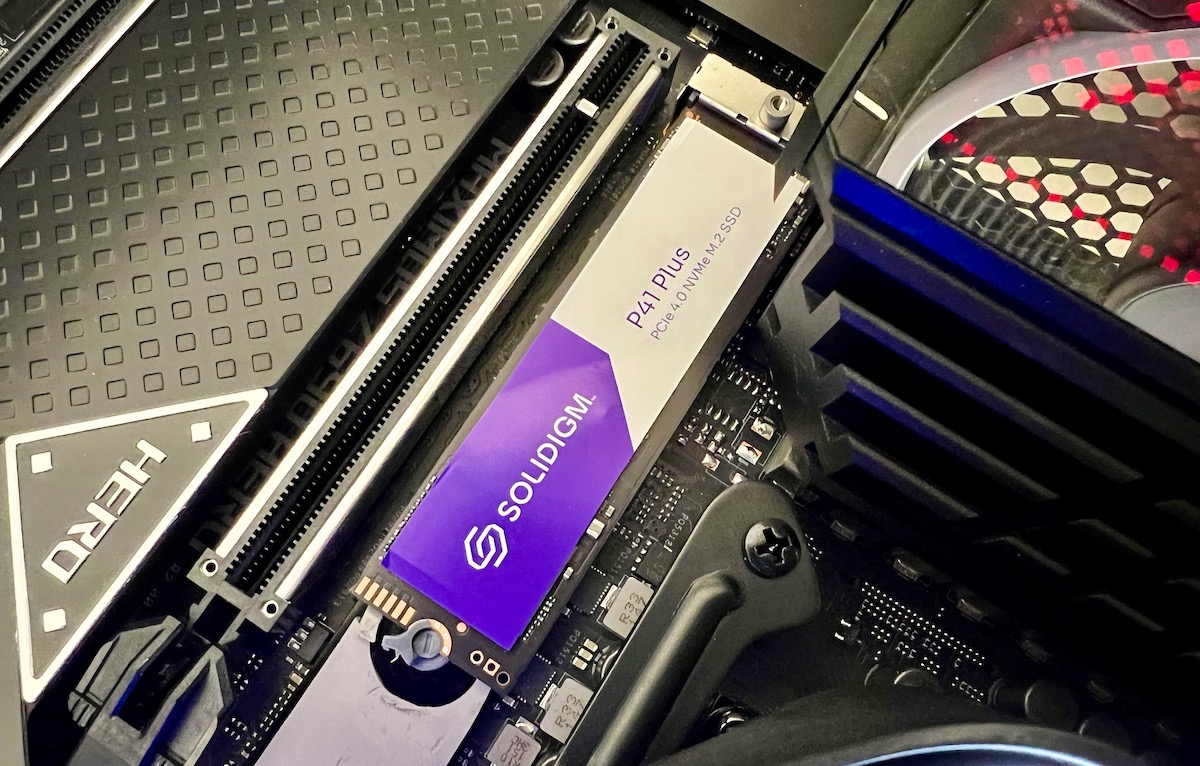
Solidigm Synergy 2.0 SSD Toolkit and Driver Review

Solidigm Synergy 2.0 is the company’s free next-generation software suite that allows users to unlock new features and manage their SSDs. Solidigm aims to make your PC more in sync with your SSD via an optimal user experience. What we’re seeing today is simply Phase 1 of this new emphasis on software. The company plans

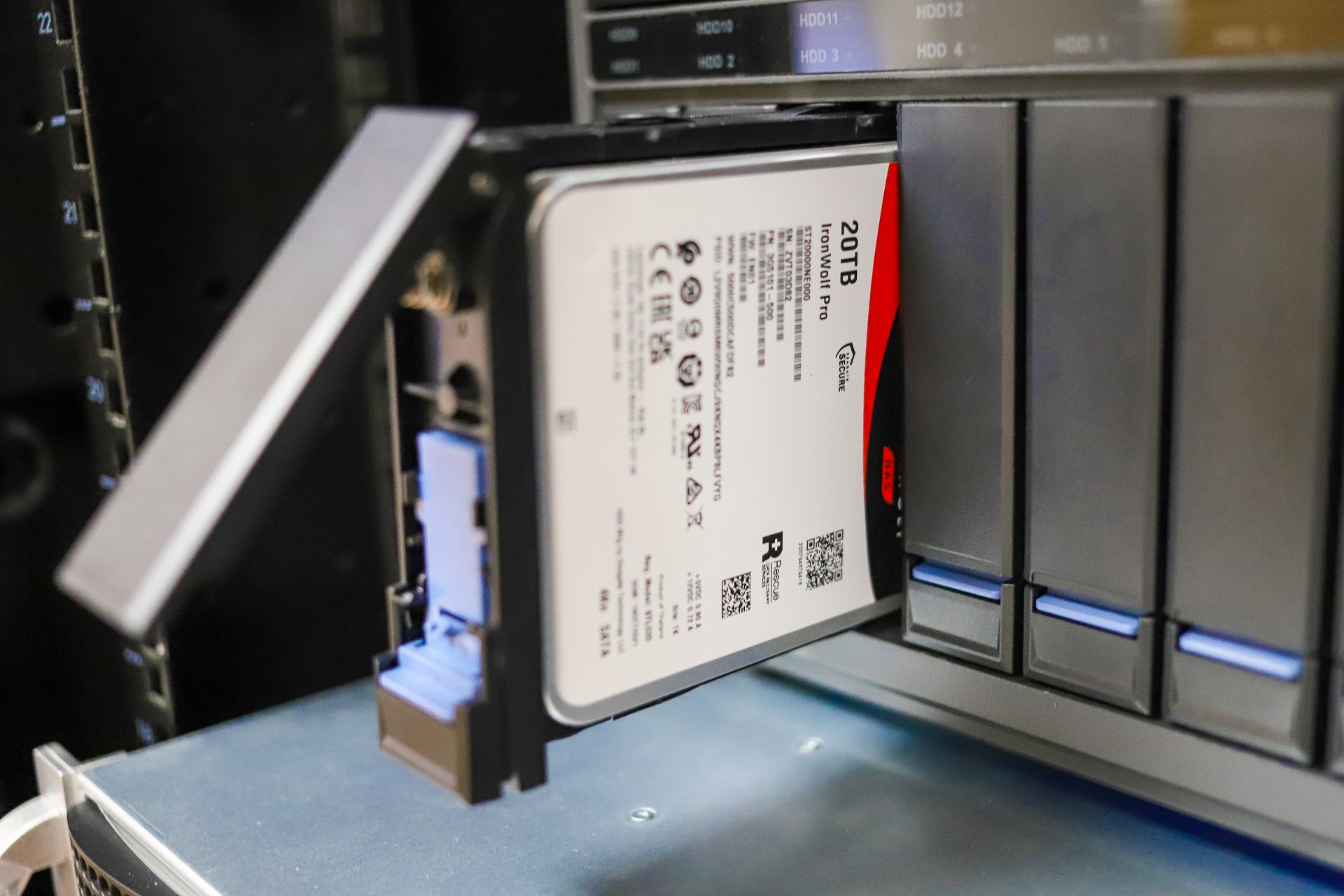
Seagate IronWolf Pro 20TB in NAS
End User  ◇  Software

QNAP DA Drive Analyzer Review

The ULINK DA Drive Analyzer is an application available to QNAP users that allows an accurate prediction of the drives installed on the system through the power of AI. What makes this application different from other S.M.A.R.T. monitors that are on the market is that ULINK uses machine learning to leverage data from over a

Hyper-V-Manager-Windows-Search
End User  ◇  Software

Budget Hyper-V Machine for Homelabs

We have recently decided to create a little series on budget servers for homelab environments. In this article, we took a look at configuring Hyper-V on the HP EliteDesk that we purchased a while back. Windows Hyper-V, which is a virtual environment built-in to Windows Server and Windows 10 Pro, Enterprise and Education. It is

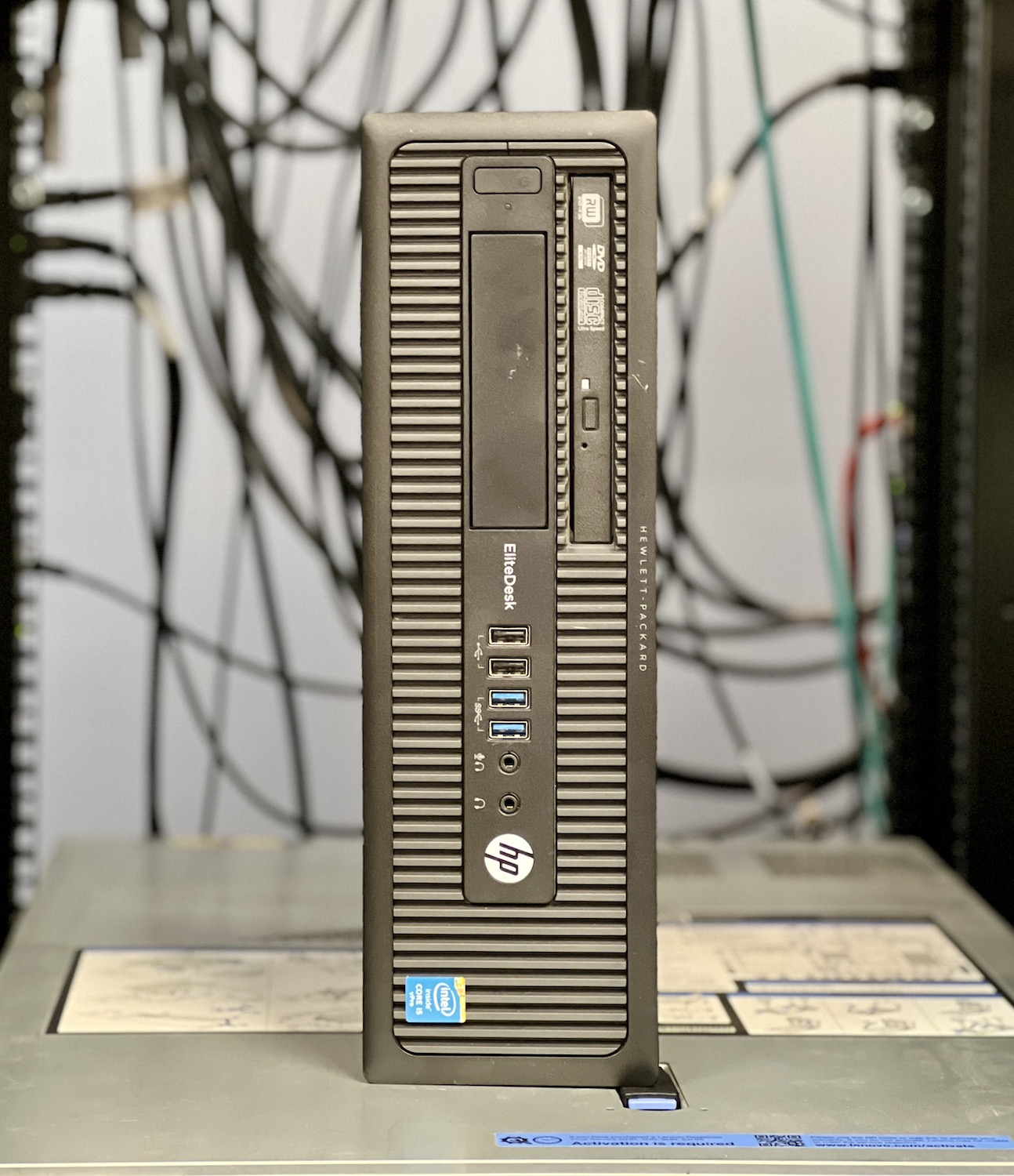
budget VM server
End User  ◇  Software

Budget Proxmox Server for Homelabs

When it comes to learning or building out components for a homelab, the trash heap of tech known as eBay or NewEgg refurbs is a thing of greatness. Last year, we put together a VMware server setup article, for which we acquired an HP EliteDesk 800 G1 SFF. It had an SSD and a supported

End User  ◇  Software

In The Lab: 6-port $3,000 pfSense Box

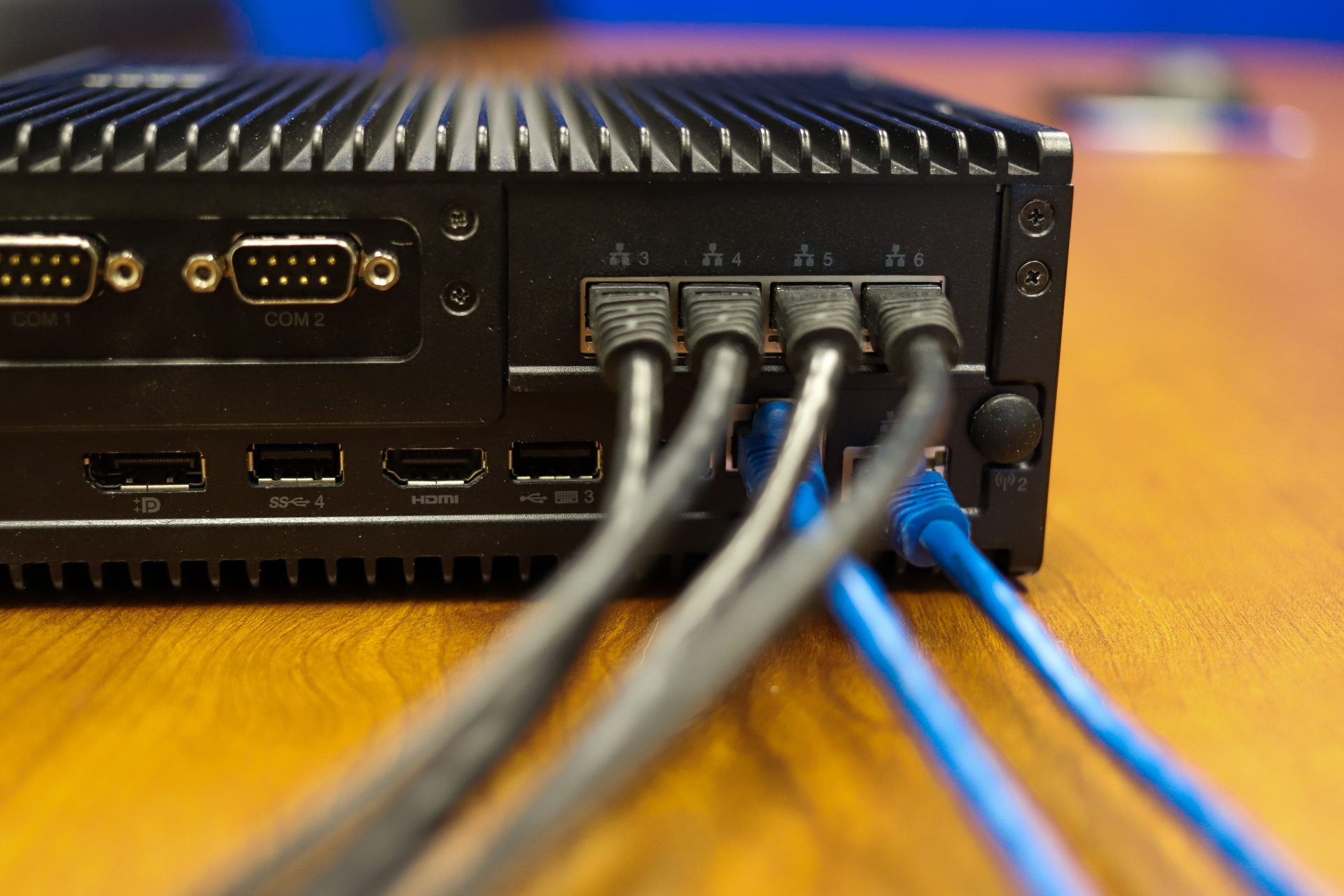
We recently posted a video on the Lenovo ThinkEdge SE50 on our TikTok account that went over swimmingly well. We received numerous comments revolving around using the SE50 as a pfSense router. The notion is widely unpractical, given the cost of the SE50 (it starts around $2500 US). But the system does have a lot

End User  ◇  Software

Samsung Magician 7 Review

Samsung Magician is the company’s free SSD management software that offers a range of useful drive information and optimization features to help you get the most out of your SSD. We last looked at the software back in January 2020 (version 6) and found it to be very user-friendly while consisting of a comprehensive and

End User  ◇  Software

How-To: Setting up Retro Gaming on a Thin Client

Thin Clients aren’t known for their gaming performance, at least when running a game locally, but compared to the classic consoles such as the Atari, SNES, DOS, N64, etc. Lakka makes hosting a retro-gaming console easy with out-of-the-box support for joypads, LAN multiplayer, and an original PlayStation-Esque GUI. Lakka is a Linux distro built on