

Seagate’s new One Touch Desktop HDD sidesteps one of the staples of the desktop external drive category: the power brick. The refreshed lineup runs 8TB, 20TB, and 24TB in a 3.5-inch chassis, but instead of a DC input and wall adapter, it draws everything it needs over a single USB-C cable. Seagate bills it as the industry’s only bus-powered USB-C desktop HDD, which is a meaningful shift in a segment where cable count and desk clutter have long been accepted costs of doing business. Pricing starts at $259.99 for 8TB and tops out at $619.99 for 24TB.
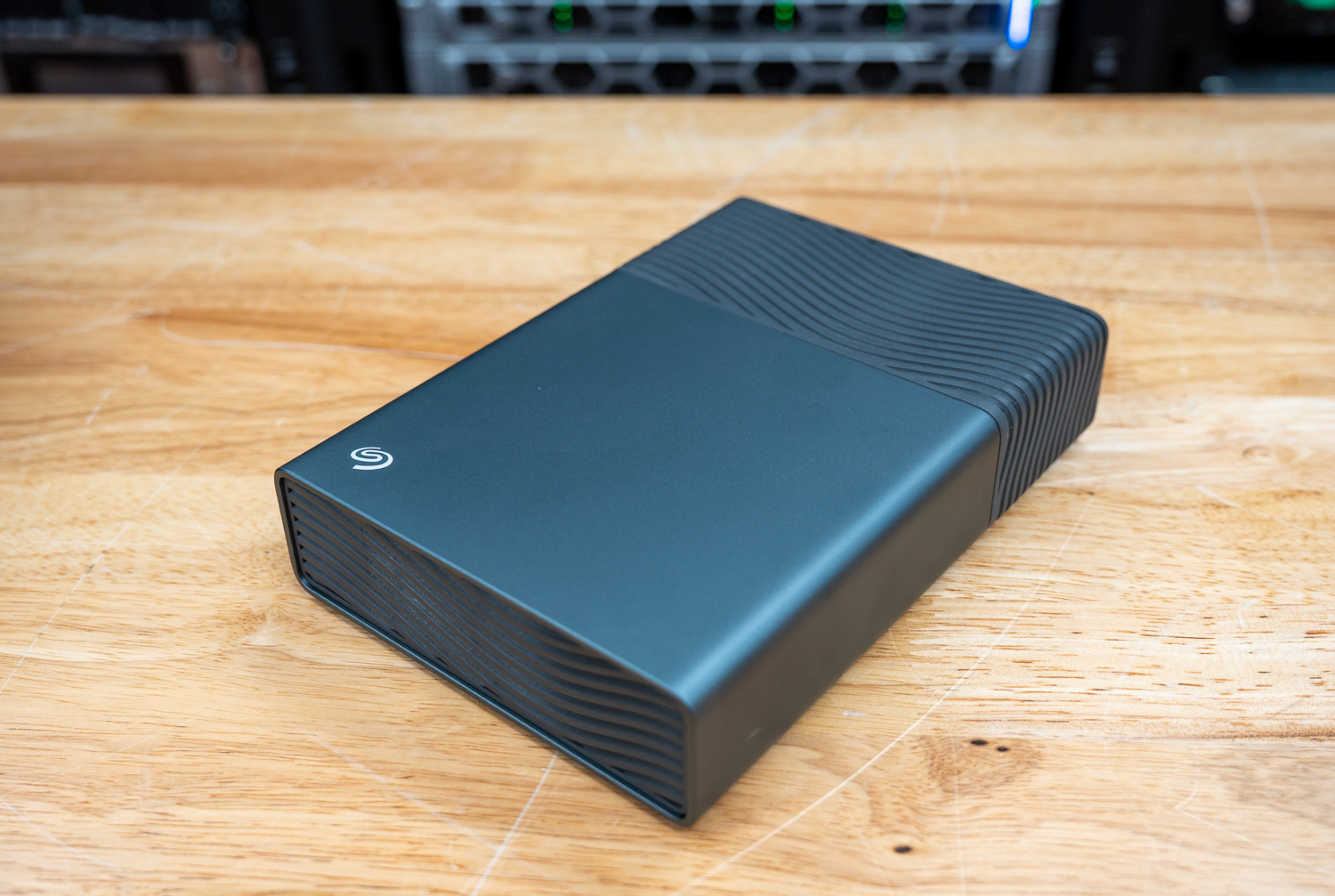
Beyond the cable story, the One Touch Desktop HDD is straightforward mechanical storage aimed at backup and archive workloads. It slots between the complexity of a NAS and the cost of high-capacity SSDs, working well as a companion to a smaller internal NVMe or as a bulk offload destination for photos, video, and project files. The bus-powered design also opens up use cases that traditional desktop drives can’t cover, such as pulling footage off a laptop in the field with no outlet nearby. Pair that with Windows and Mac support, Seagate’s Toolkit for backup and mirroring, and two years of Rescue Data Recovery Services, and the pitch comes down to storage headroom, data safety, and a cleaner desk at a competitive cost per terabyte.
Design & Features
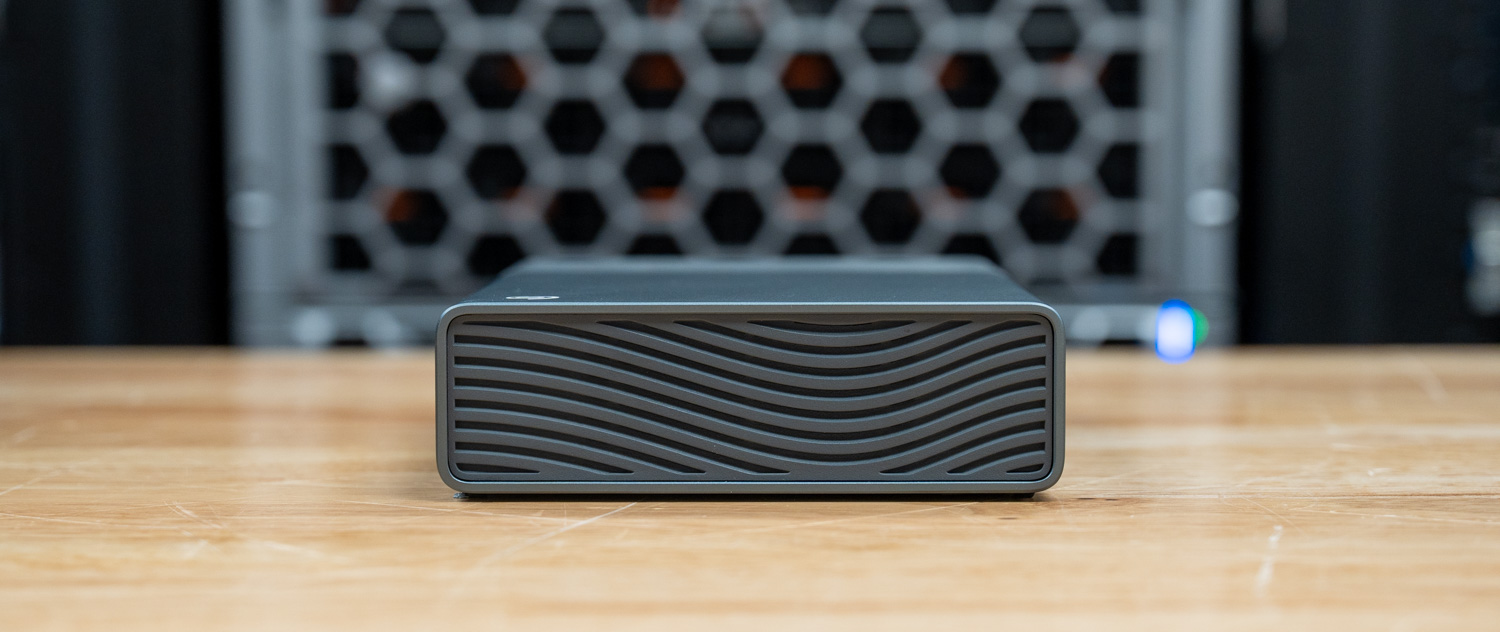
The One Touch Desktop HDD features a refined, premium aesthetic, combining aluminum and plastic for a solid, high-quality feel. Rubber feet on the bottom also help stabilize the device and prevent unwanted movement during operation. To keep things clean and minimal, Seagate has also avoided adding unnecessary lighting elements.
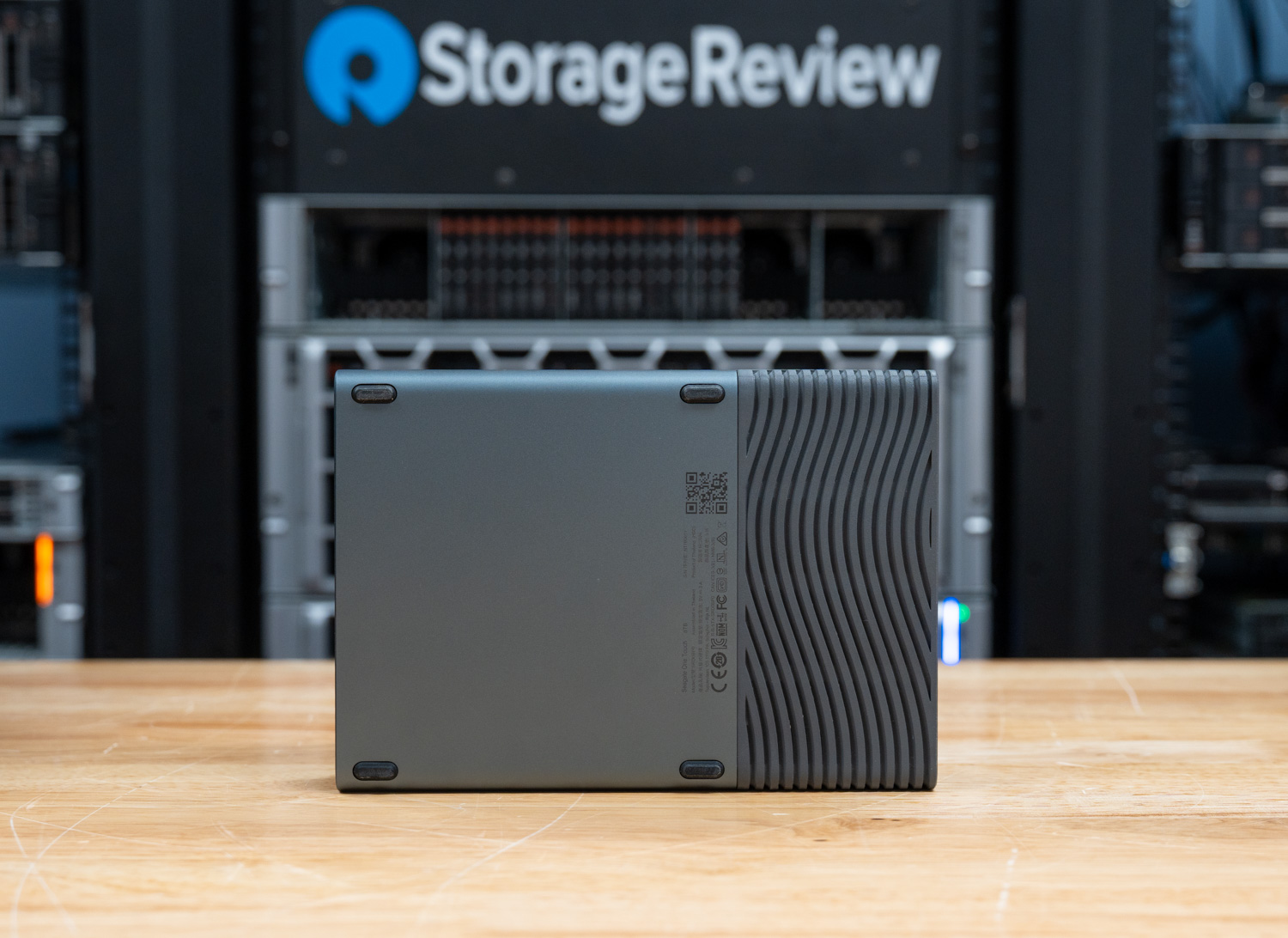
For connectivity, the drive uses a single USB-C cable and does not require a separate power adapter, provided the host port can supply at least 15W. While this requirement may be a limitation for older systems, it ultimately simplifies setup for modern devices. A small front-facing status light is the only visual indicator, blinking red if insufficient power is detected.
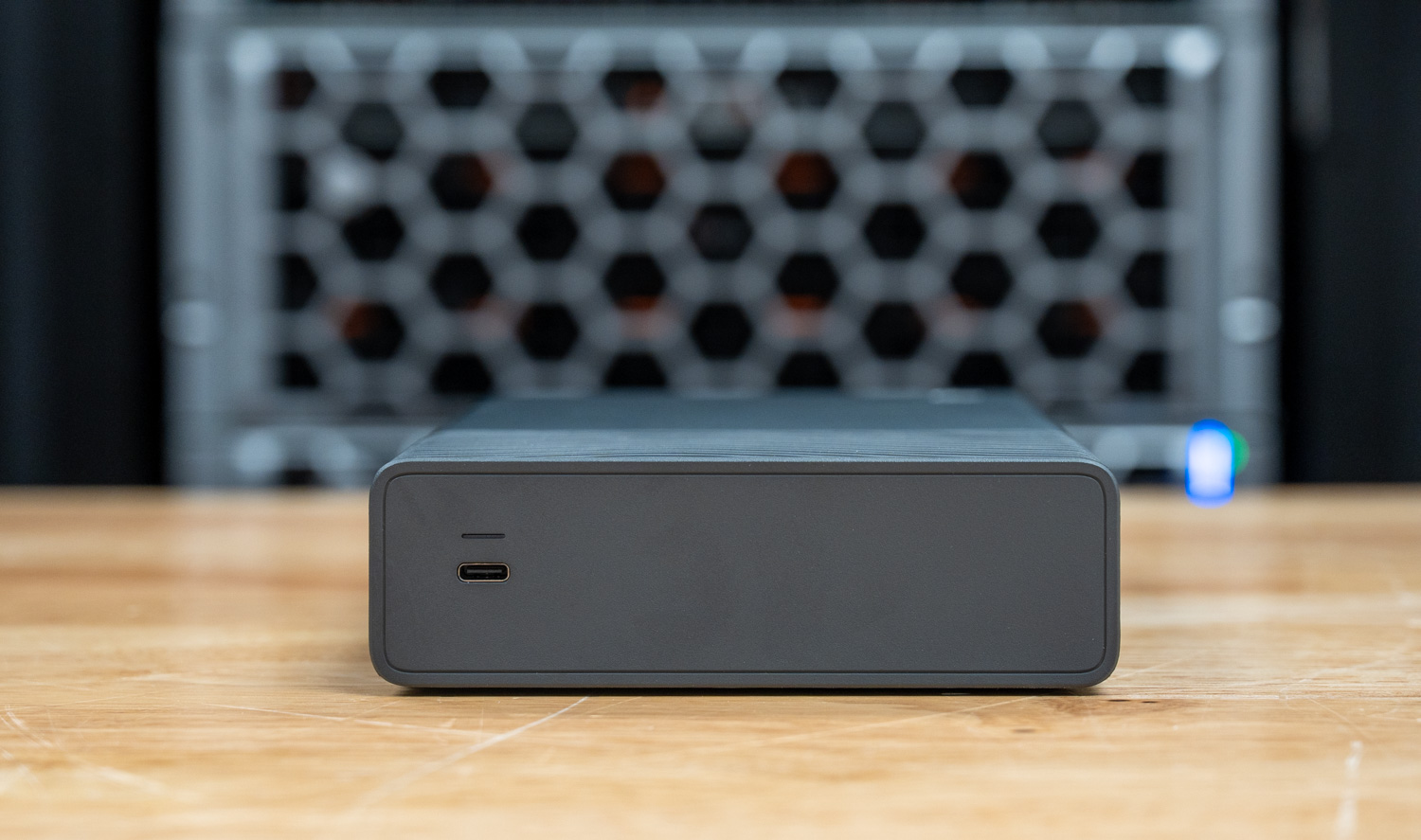
Getting started is pretty straightforward; simply plug in the cable and wait for the volume to mount. You can optionally install the Seagate Toolkit software, but it works out of the box with both Windows and macOS. Time Machine users will need to reformat before initial use, though.
Inside the box, Seagate includes a (0.5m) USB-C cable, Toolkit software, a quick-start guide, and a 2-year limited warranty. In addition, users receive 2-year Rescue Data Recovery Services, which include one in-lab recovery attempt, with recovered data returned on an encrypted device if the attempt is successful. The turnaround time for the recovery service is about 30 days, which provides peace of mind for anyone relying on the drive for long-term storage.
For creatives, Seagate provides a complimentary 2-month trial subscription to Adobe Creative Cloud Pro (All Apps). This inclusion gives users access to tools they might otherwise pay for separately, making the overall package more compelling.
| Feature | 8TB | 20TB | 24TB |
|---|---|---|---|
| Specifications | |||
| Connector | USB-C | ||
| Interface | USB 3.2 Gen 1 (up to 5Gb/s) | ||
| Power | Bus-powered via USB-C (≥15W required) | ||
| Compatibility | Windows & macOS (Time Machine requires reformat; ChromeOS not supported for Toolkit) | ||
| In the Box & Software | |||
| What’s in the Box | One Touch HDD, 1.64ft USB-C cable, Toolkit software, Quick Start Guide | ||
| Included Software | Seagate Toolkit, 2-month Adobe Creative Cloud Pro (All Apps) trial | ||
| Support & Pricing | |||
| Warranty | 2-year limited (may vary by region) | ||
| Rescue Data Recovery | 2-year included (may vary by region) | ||
| MSRP | $259.99 | $519.99 | $619.99 |
Toolkit Software
Seagate Toolkit is a bundled utility that enhances the One Touch Desktop HDD’s functionality without complicating the user experience. After the initial backup, its incremental backup feature saves only modified files, helping keep backup times and system load manageable. At the same time, the Mirroring (RealTime Sync) feature continuously maintains updated copies of selected folders in the background. Additionally, Seagate Secure provides password protection for supported drives, while the Import function automatically transfers files from connected USB devices or memory cards, making it especially useful for frequent media offloads.
Moreover, Toolkit supports both scheduled and manual backups. Users who prefer automation can rely on scheduled backups, while those who want more control can trigger backups manually. Either way, it delivers essential data protection features without requiring third-party software.
Capacity in Context
To better understand available capacities, Seagate provides real-world storage estimates for common file types. Although actual results will vary depending on codec, compression, and workflow, these figures still offer a helpful baseline for planning:
| Capacity | 1080p HD Video (approx.) | 4K Video (approx.) | RAW Photos (approx.) |
|---|---|---|---|
| 8TB | ~800 hours | ~120 hours | ~200,000 |
| 20TB | ~2,000 hours | ~300 hours | ~500,000 |
| 24TB | ~2,400 hours | ~360 hours | ~600,000 |
Performance
To evaluate the performance of the Seagate One Touch Desktop HDD, we compared it against the Seagate FireCuda X Vault across a variety of benchmarks.
Here’s the high-performance test rig we used for benchmarking:
- CPU: AMD Ryzen 7 9850X3D
- Motherboard: Asus ROG Crosshair X870E Hero
- RAM: G.SKILL Trident Z5 Royal Series DDR5-6000 (2x16GB)
- GPU: NVIDIA GeForce RTX 4090
- OS: Windows 11 Pro
The drive inside our 8TB Seagate One Touch HDD self-reported as the Seagate SkyHawk (ST8000VX009) at 5400 RPM.
Blackmagic Disk Speed Test
The BlackMagic Disk Speed Test benchmarks a drive’s read and write speeds to estimate its performance, especially for video editing tasks. It helps users ensure their storage is fast enough to handle high-resolution content, such as 4K or 8K video.
In Blackmagic, the Seagate FireCuda X Vault posted the stronger read speed at 222.4 MB/s, edging out the Seagate One Touch Desktop HDD at 210.9 MB/s. Write performance also showed a similar edge, with the One Touch measuring 152.0 MB/s compared to 158.9 MB/s from the FireCuda X Vault. Overall, both drives landed in expected territory for high-capacity external hard drives, though the FireCuda showed slightly better read and write speed.
| Blackmagic (higher is better) | Seagate One Touch Desktop HDD 8TB | Seagate FireCuda X Vault 8TB |
|---|---|---|
| Read | 210.9 MB/s | 222.4 MB/s |
| Write | 152.0 MB/s | 158.9 MB/s |
IOMeter
In the 1-queue IOMeter run, the FireCuda X Vault led in sequential throughput, reaching 224.03 MB/s read and 223.37 MB/s write, compared to 211.26 MB/s read and 211.48 MB/s write from the One Touch Desktop HDD. Random 2MB performance was much closer. The One Touch slightly led in random 2MB writes at 150.06MB/s versus 149.59MB/s, while the FireCuda posted the better random 2MB read at 117.17MB/s versus 113.83MB/s.
Small-block performance remained low on both drives, as expected for HDD-based storage, with the FireCuda reaching 429 IOPS in random 4K writes versus 424 IOPS on the One Touch, while the One Touch narrowly led in random 4K reads at 129 IOPS versus 126 IOPS on the FireCuda. Overall, the FireCuda showed a modest advantage in sequential performance, while the two drives were very close in lighter random workloads.
| IOMeter Test | Seagate One Touch Desktop HDD 8TB | Seagate FireCuda X Vault 8TB |
|---|---|---|
| Seq 2MB Write | 211.48 MB/s | 223.37 MB/s |
| Seq 2MB Read | 211.26 MB/s | 224.03 MB/s |
| Random 2MB Write | 150.06 MB/s | 149.59 MB/s |
| Random 2MB Read | 113.83 MB/s | 117.17 MB/s |
| Random 4K Write | 424 IOPS | 429 IOPS |
| Random 4K Read | 129 IOPS | 126 IOPS |
PCMark 10 Storage
PCMark 10 Storage Benchmarks evaluate real-world storage performance using application-based traces. They test the system and data drives, measuring bandwidth, access times, and consistency under load. These benchmarks offer practical insights beyond synthetic tests, enabling users to compare modern storage solutions effectively.
In PCMark 10’s Quick System Drive Benchmark, both drives delivered nearly identical performance, with the Seagate One Touch Desktop HDD scoring 750 and the Seagate FireCuda X Vault coming in at 746. This narrow gap suggests that, in trace-based workloads, the two drives perform very similarly, with no meaningful advantage for either.
As expected for high-capacity HDDs, both are best suited for bulk storage tasks such as backups, media libraries, and large file transfers rather than latency-sensitive workloads. Overall, this result shows that real-world responsiveness between the two is effectively on par in this test.
| PCMark 10 Storage (higher is better) | Seagate One Touch Desktop HDD 8TB | Seagate FireCuda X Vault 8TB |
|---|---|---|
| Overall Score | 750 | 746 |
Conclusion
The Seagate One Touch Desktop HDD is a category-first product in a commoditized space. Bus-powered USB-C on a 3.5-inch desktop drive genuinely changes how the drive fits on a desk or travels in a bag, and it’s the feature most likely to sway buyers who’ve grown tired of juggling bulky power bricks. Cross-platform support, Toolkit for backup and mirroring, and two years of Rescue Data Recovery Services round out a package that covers the basics without asking for much from the user.
Performance lands where it should for 5400 RPM mechanical storage. Sequential throughput sits in the low 200s MB/s, random workloads are modest, and small-block IOPS are firmly in HDD territory. That rules it out for anything latency sensitive or for active video editing off the drive, but those aren’t the workloads this product targets. For backup, archive, media libraries, and bulk offload, it does the job.
At $259.99 for 8TB and $619.99 for 24TB, pricing is competitive against other high-capacity external HDDs, and the single-cable design is a real differentiator rather than a marketing one. For users who want maximum capacity with minimum desk footprint and cable clutter, the One Touch Desktop HDD earns its spot on the shortlist.


 Amazon