TrueNAS has released a native proxmox ve storage plugin that lets Proxmox provision and manage VM disks directly on TrueNAS systems. A disk requested in Proxmox becomes an OpenZFS zvol on TrueNAS 25.10 or later, published as an iSCSI LUN or an NVMe/TCP namespace, and the plugin handles creation, snapshots, resizing, migration, and deletion from the Proxmox side with no per-volume setup in the TrueNAS UI. The release is designated for Early Adopters, with TrueNAS Community Edition users getting it first and Enterprise support in validation.
What the TrueNAS Proxmox Plugin Replaces
Most Proxmox-on-TrueNAS deployments run today on NFS or hand-built iSCSI LUNs. On NFS, Proxmox handles VM snapshots through QEMU copy-on-write files, and Proxmox’s own storage documentation says snapshots of large disks can take several minutes and, in extreme cases, hours. Manually configured iSCSI avoids that but had no native snapshot support before Proxmox VE 9, and every new disk means a new zvol, a new iSCSI extent, and a new LUN mapping on the array. Proxmox’s legacy ZFS-over-iSCSI plugin type narrowed the gap for ZFS-backed arrays, and TrueNAS now ships a purpose-built plugin in its place.
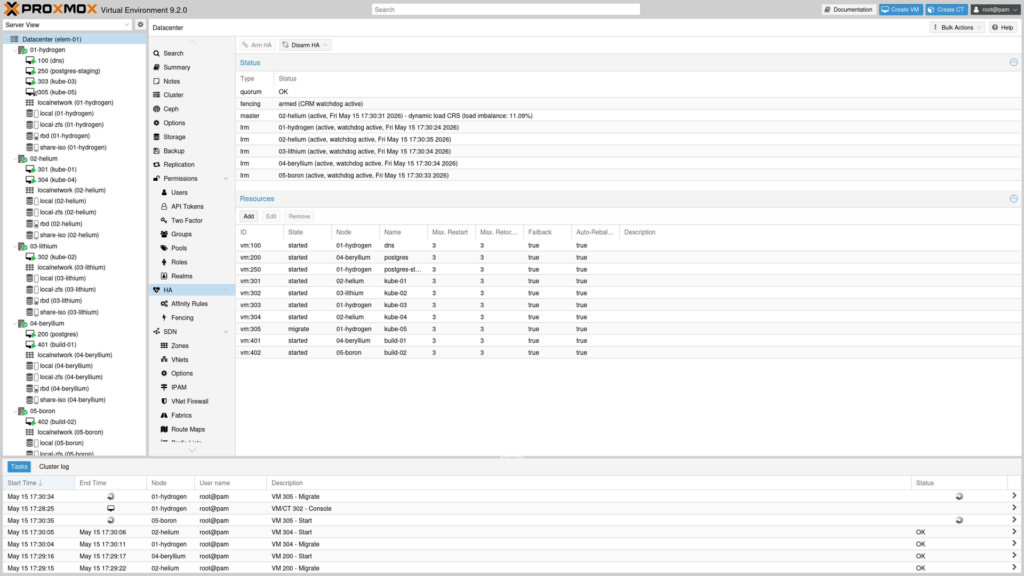
With the plugin installed, storage operations stay inside the Proxmox interface. Administrators create VM disks, take OpenZFS snapshots, resize, migrate, and delete volumes, and TrueNAS provisions the underlying block devices as thin, sparse zvols on demand. Snapshots run natively on OpenZFS and include live VM snapshots that capture RAM state. Clones, moves, backups, and imports still run on the Proxmox host, and TrueNAS’s native NFS and SMB shares remain the path for file-based content such as ISO images and backup directories, served from the same pool.
iSCSI and NVMe/TCP Support
Transport is chosen per Proxmox storage entry. iSCSI works on Proxmox VE 8.x and later; NVMe/TCP requires Proxmox VE 9.x with the nvme-cli initiator installed on each node, and TrueNAS positions it as the option when latency matters most. Authentication uses a TrueNAS API key in place of the root SSH access some ZFS-over-iSCSI workflows require.
For environments running several Proxmox clusters against one TrueNAS system, the plugin enforces one dataset and one iSCSI target or NVMe subsystem per cluster, which keeps extent names from colliding and separates each cluster’s storage. TrueNAS frames the design as separated compute and storage, with Proxmox on the compute side and TrueNAS as the data platform underneath, and TrueNAS is clear that it isn’t a substitute for a hyperconverged Ceph deployment.
Installation and TrueNAS Support
The plugin ships through a signed APT repository, with Bookworm packages for 普罗克斯莫克斯 VE 8 and Trixie packages for 普罗克斯莫克斯 VE 9. The installer detects the Proxmox version, runs cluster-aware with health checks and rollback, and a standalone .deb covers air-gapped nodes. TrueNAS-side setup steps are in the TrueNAS Proxmox VE Storage Plugin documentation.
TrueNAS 25.10 or later is required on the storage side. The plugin runs on TrueNAS Community Edition and on Enterprise appliances including the H-Series and V-Series, which add high availability; Enterprise support is in active validation, and TrueNAS says it is orderable now through account teams, with a design review recommended before anything touches production. TrueNAS also says it will work with Proxmox partners on complete systems integration.
TrueNAS Proxmox Plugin Availability
The TrueNAS Proxmox Plugin is available now from the project’s GitHub releases page. TrueNAS recommends installing the Early Adopter release on a non-production Proxmox cluster first and verifying it against your workloads before moving production VMs onto it. TrueNAS’s 公告发布 covers the design rationale in more depth.


Amazon