

We recently received the Ubiquiti Power Distribution Pro (USP-PDU-Pro) to evaluate its integration into a modern UniFi rack setup. Priced at $279 (affiliate), this 2U rack-mount PDU supplies power to an entire UniFi system while giving administrators complete remote control and monitoring through the UniFi Network application.
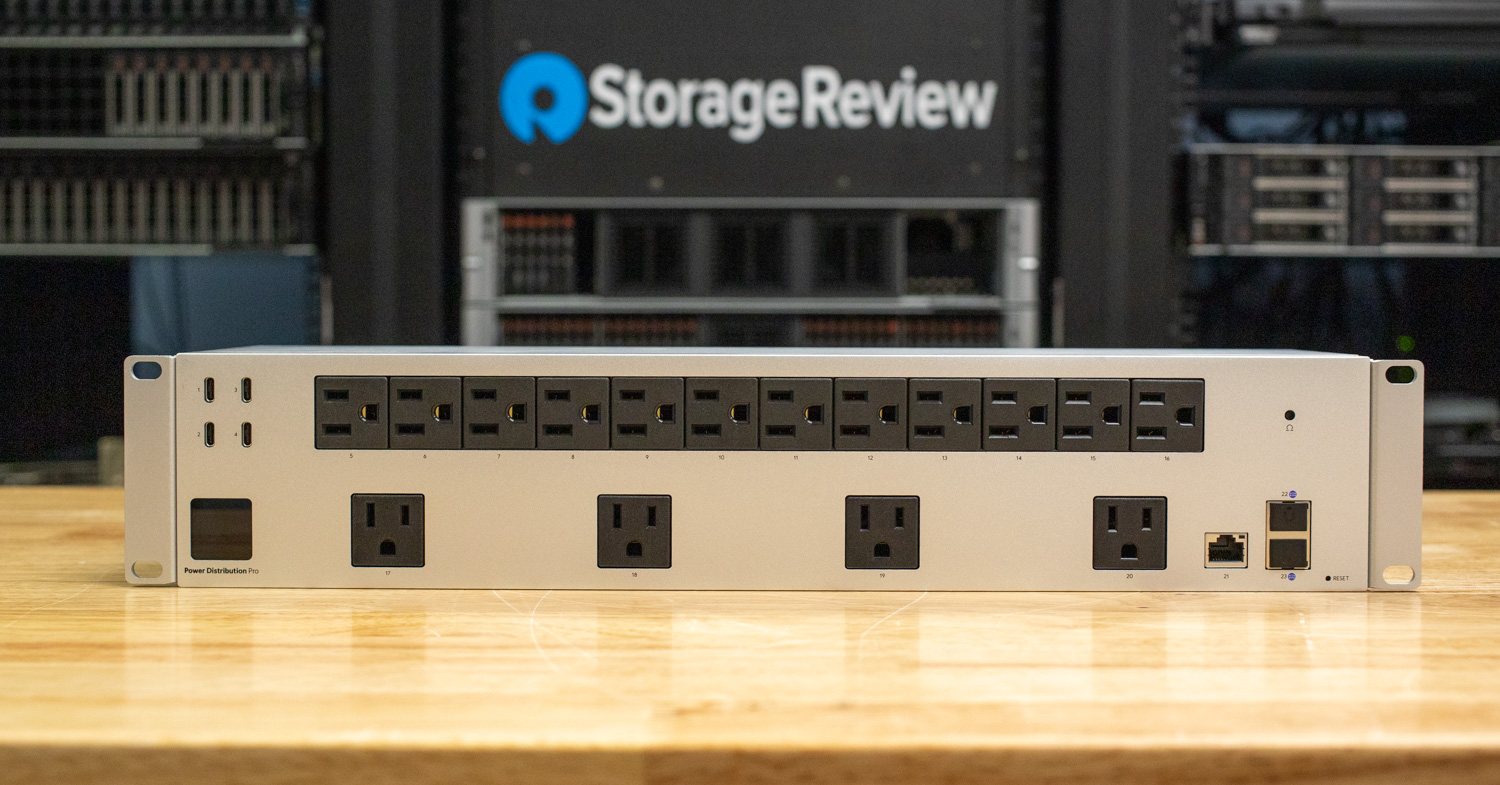
The Power Distribution Pro features 16 individually switchable AC outlets and four USB-C power ports, each with per-port power monitoring and remote on/off control. This makes it easy to reboot equipment, manage attached devices, or automate power behavior without touching the rack.
On the front of the unit, a 1.3-inch color touchscreen provides quick on-device management and visibility into outlet status. When paired with the UniFi Network interface, the PDU Pro offers a complete view of rack power usage, historical consumption, and live outlet control from anywhere.
Ubiquiti Power Distribution Pro Specifications
| Specification | Details |
|---|---|
| Mechanical | |
| Dimensions | 442.4 x 87.4 x 106 mm (17.4 x 3.4 x 4.2″) |
| Weight | Without mount: 3.5 kg (7.6 lb) With mount: 3.7 kg (8.2 lb) |
| Enclosure Material | SGCC steel |
| Hardware | |
| Management | Ethernet |
| Networking Interface | (1) 100 MbE RJ45 port (3) GbE RJ45 ports |
| Power Method | 125V AC, 15A Max., 50/60 Hz |
| Power Supply | AC/DC internal, 40W |
| Max. Power Consumption | 125V AC: 1,875W |
| Power Output | (16) Power control outlets, 125V AC, 15A Max., 50/60 Hz (1,875W Max. total) (4) USB-C ports, 2A Max. per port (4A / 20W Max. total) |
| Display | 1.3″ touchscreen |
| Buttons | (1) Factory-reset (1) Circuit breaker |
| Ambient Operating Temperature | 0 to 40° C (32 to 104° F) |
| Ambient Operating Humidity | 10 to 90% noncondensing |
Build and Design
The Power Distribution Pro comes in a compact 2U rack-mount chassis measuring 17.4 x 3.4 x 4.2 inches. The enclosure is built from SGCC steel, which gives it a solid, slightly industrial feel on the bench while keeping the overall weight reasonable: 7.6 lb without the rack-mount brackets and 8.2 lb with them attached. The silver finish complements modern rack hardware, and the front ears are slotted for easy alignment in a standard 19-inch rack.
Across the front of the unit, the layout focuses on quick access to power and monitoring. Sixteen individually controllable 125V AC outlets (15A max per outlet, 1,875W total) are clearly numbered across the face. To the left of the outlets is a small 1.3″ touchscreen for the status display, which is used for local monitoring and basic configuration.
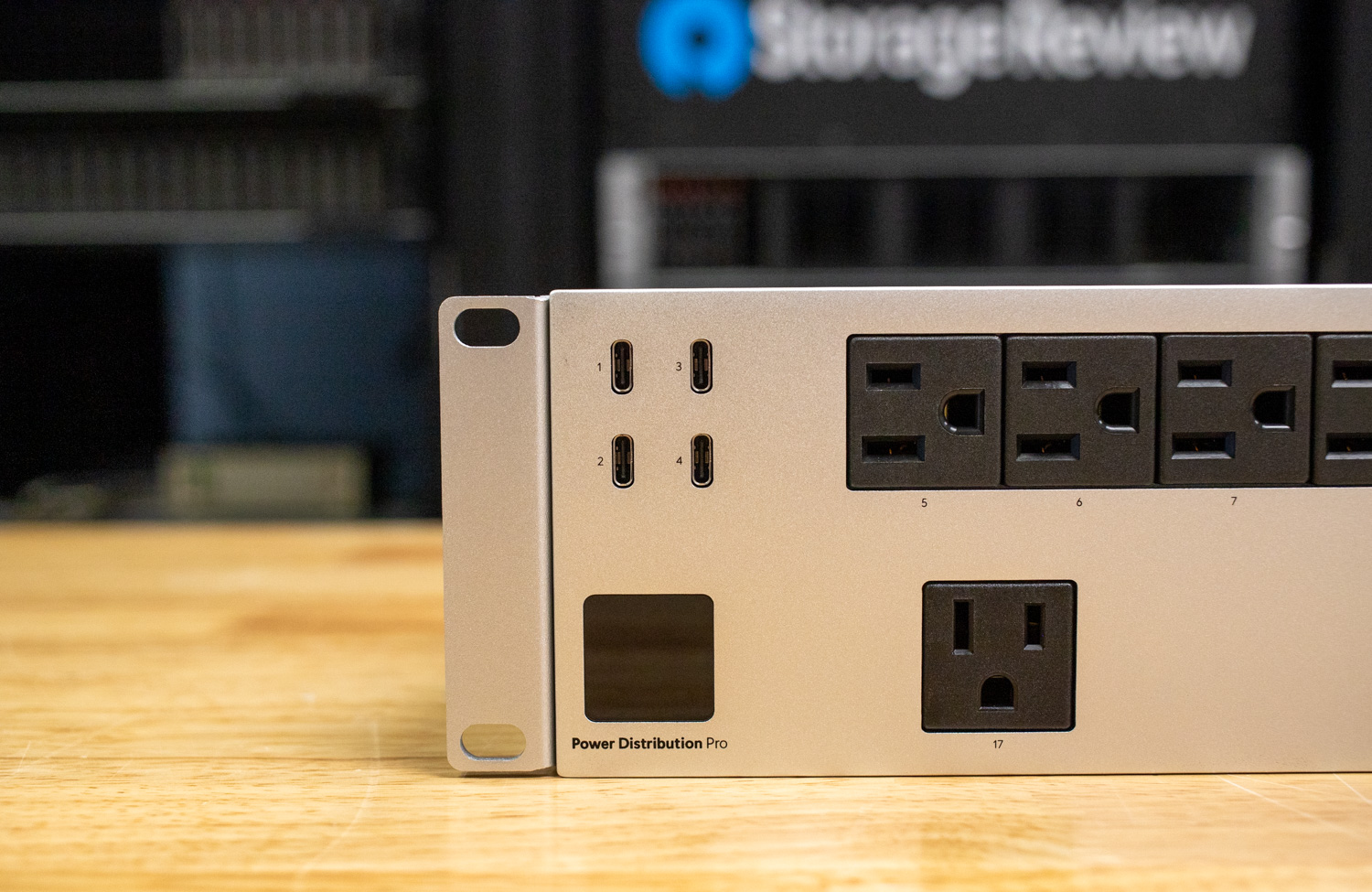
Above the display are four USB-C ports, also clearly numbered, intended for charging small devices or powering low-draw accessories. Each port supports up to 2A, with a combined limit of 4A (20W total), which is enough for phones, tablets, or small monitoring widgets without reducing the primary AC capacity. Network connectivity is provided through the 100 MbE RJ45 port and two GbE RJ45 ports, enabling the PDU to connect to management networks for remote control, telemetry, and integration with higher-level orchestration tools. Overall, the design balances dense outlet capacity with straightforward physical access and a clean front panel that fits in a production rack.
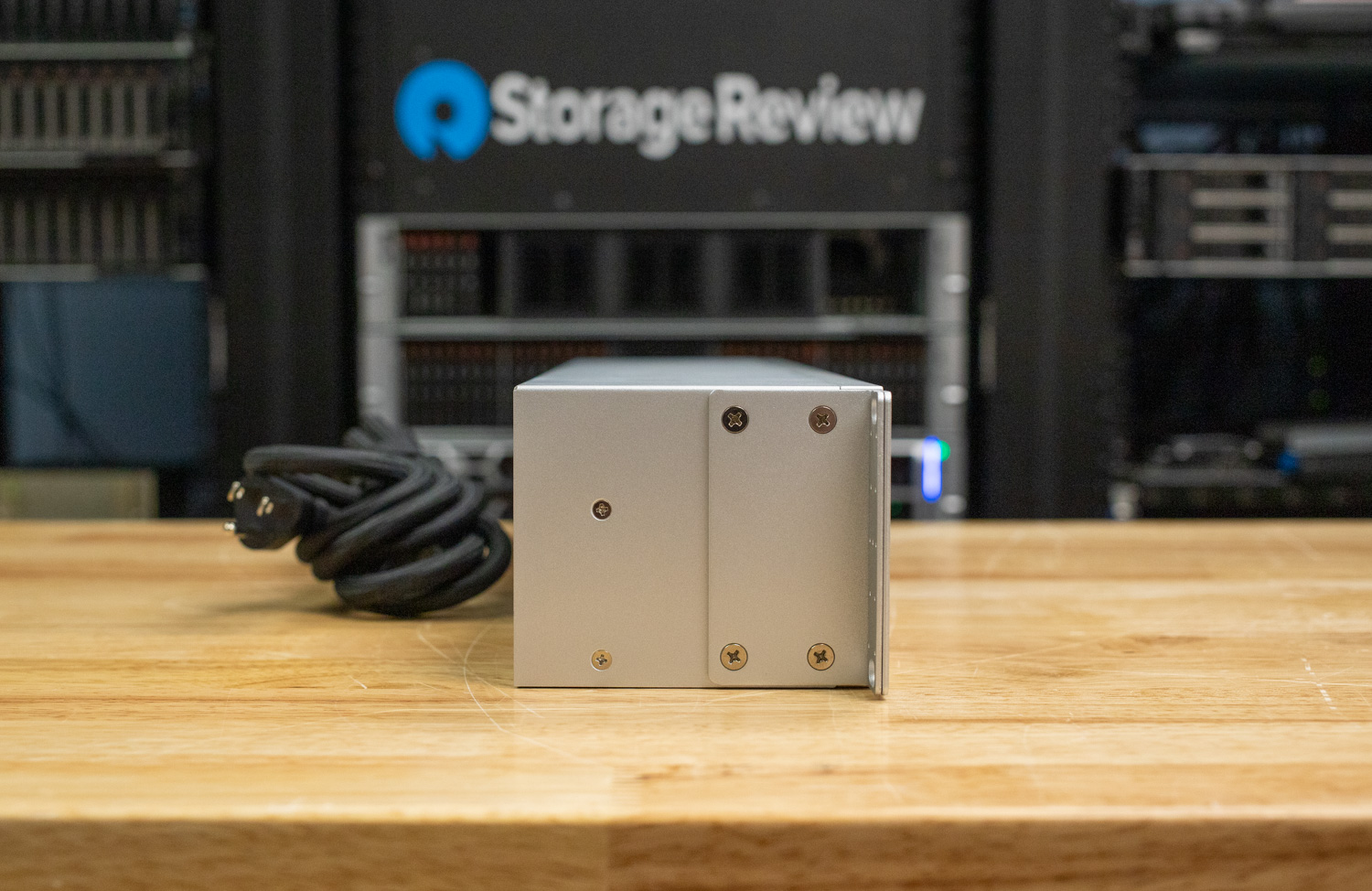
 The side profile highlights the PDU’s slim 4.2-inch depth, making it easy to fit into shallow racks or tight AV spaces. The rack ears are attached with four screws, providing a sturdy, straightforward mount that can be removed or adjusted as needed. The clean, flat SGCC steel panels keep the overall design simple and durable.
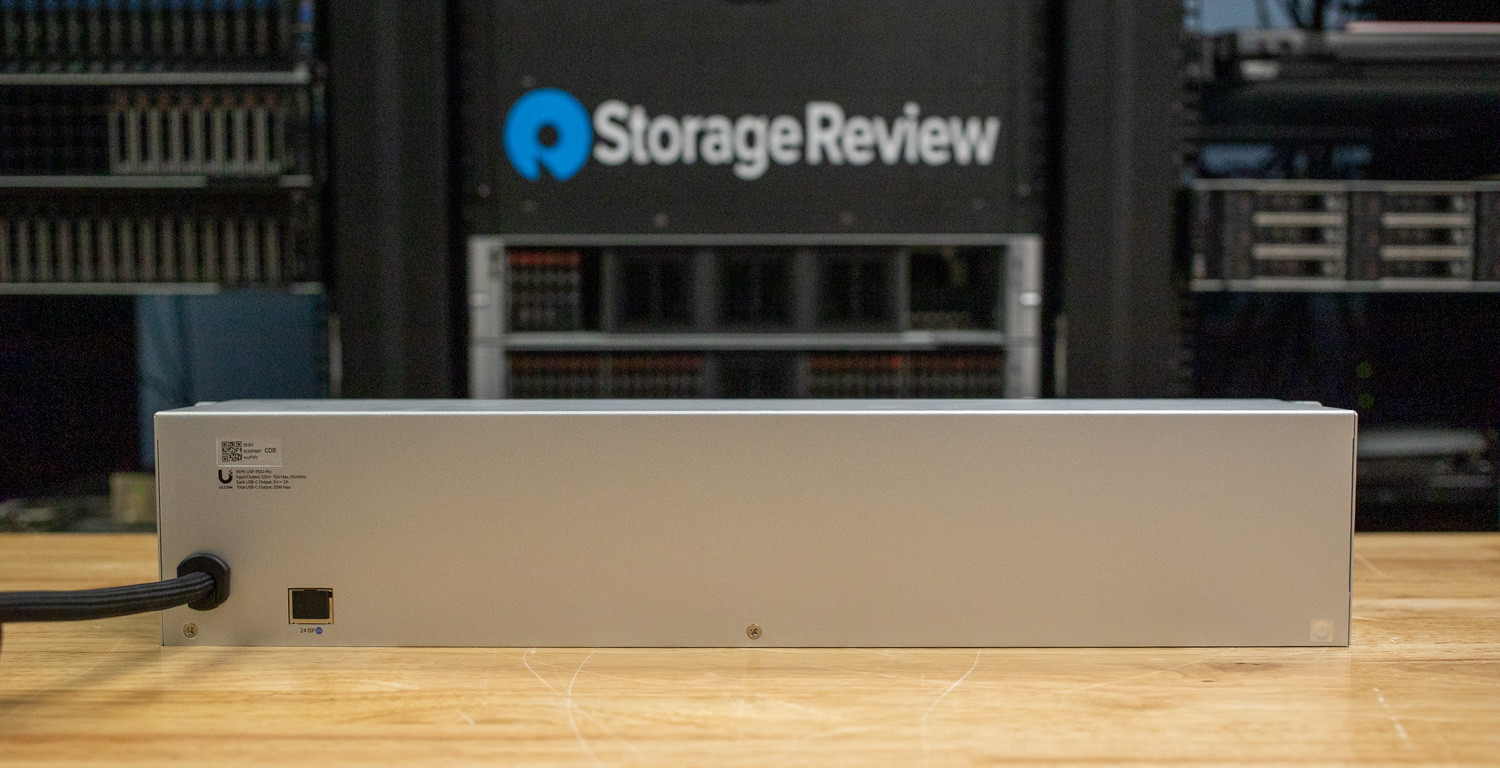
 The rear of the unit keeps things minimal, offering a single GbE RJ45 port for network management and a fixed power cord with a long tail designed to reach rack power sources comfortably. The clean back panel keeps cabling simple and ensures the PDU can be installed flush without obstruction.
Management
The UniFi PDU Pro integrates directly into a UniFi deployment with minimal effort. Using its dedicated 10/100 Ethernet uplink, the unit can be adopted into the UniFi Network Application just like a switch, gateway, or camera. During testing, the PDU, located immediately under Network > Devices, pulled its firmware update and exposed unified monitoring data without requiring any additional plugins or manual configuration.
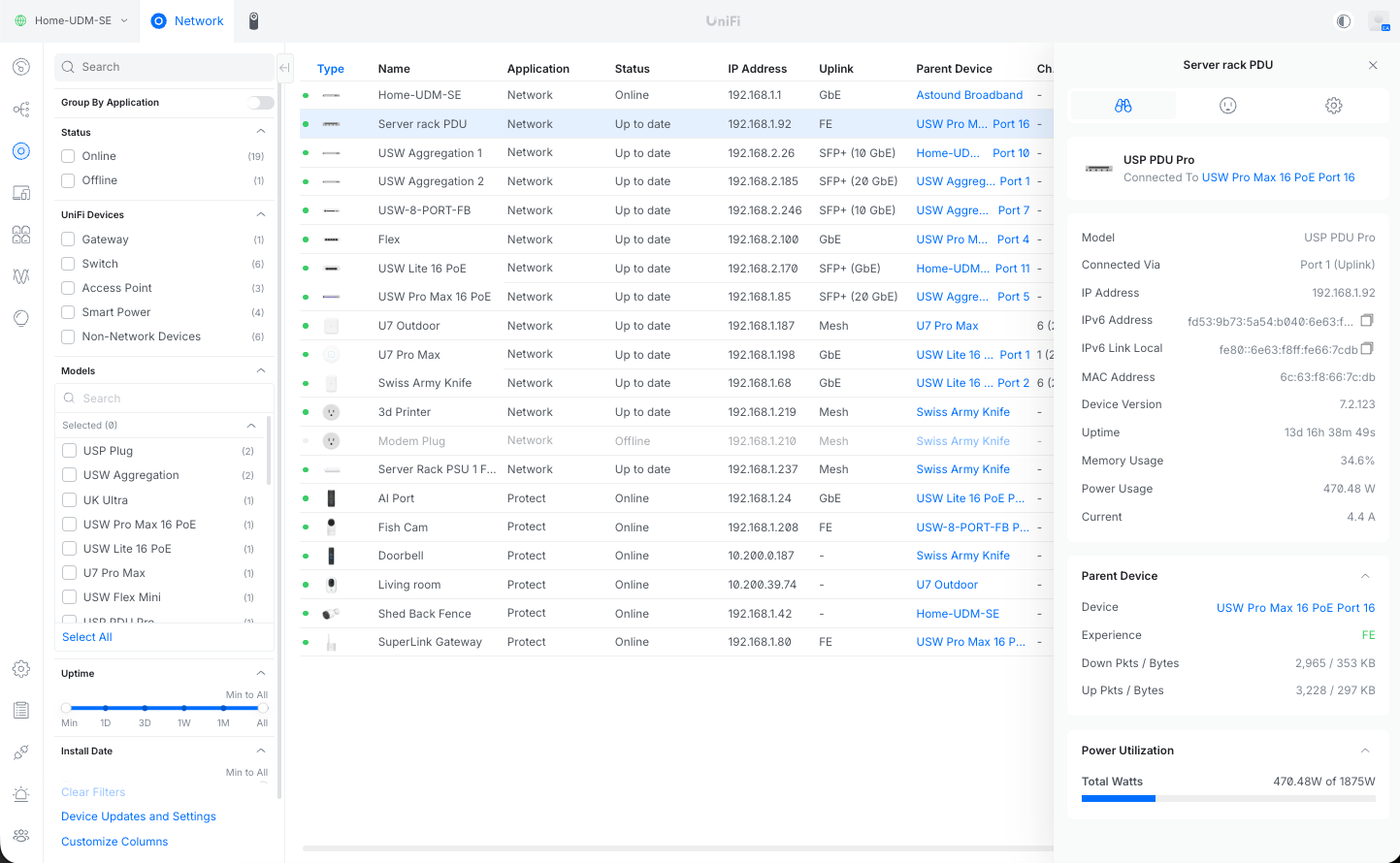
The Overview tab in the PDU gives a complete, at-a-glance snapshot of the PDU Pro’s metrics. Here you can immediately confirm the assigned IP address, firmware version, MAC address, and uplink details, along with the parent switch port to which the PDU is physically connected.
Live operating metrics are presented clearly, including uptime, memory usage, current draw, and total power consumption; in our deployment, these hovered around 470 watts under load. The UI also exposes IPv4 and IPv6 addressing, making it easy to verify network reachability after initial setup.
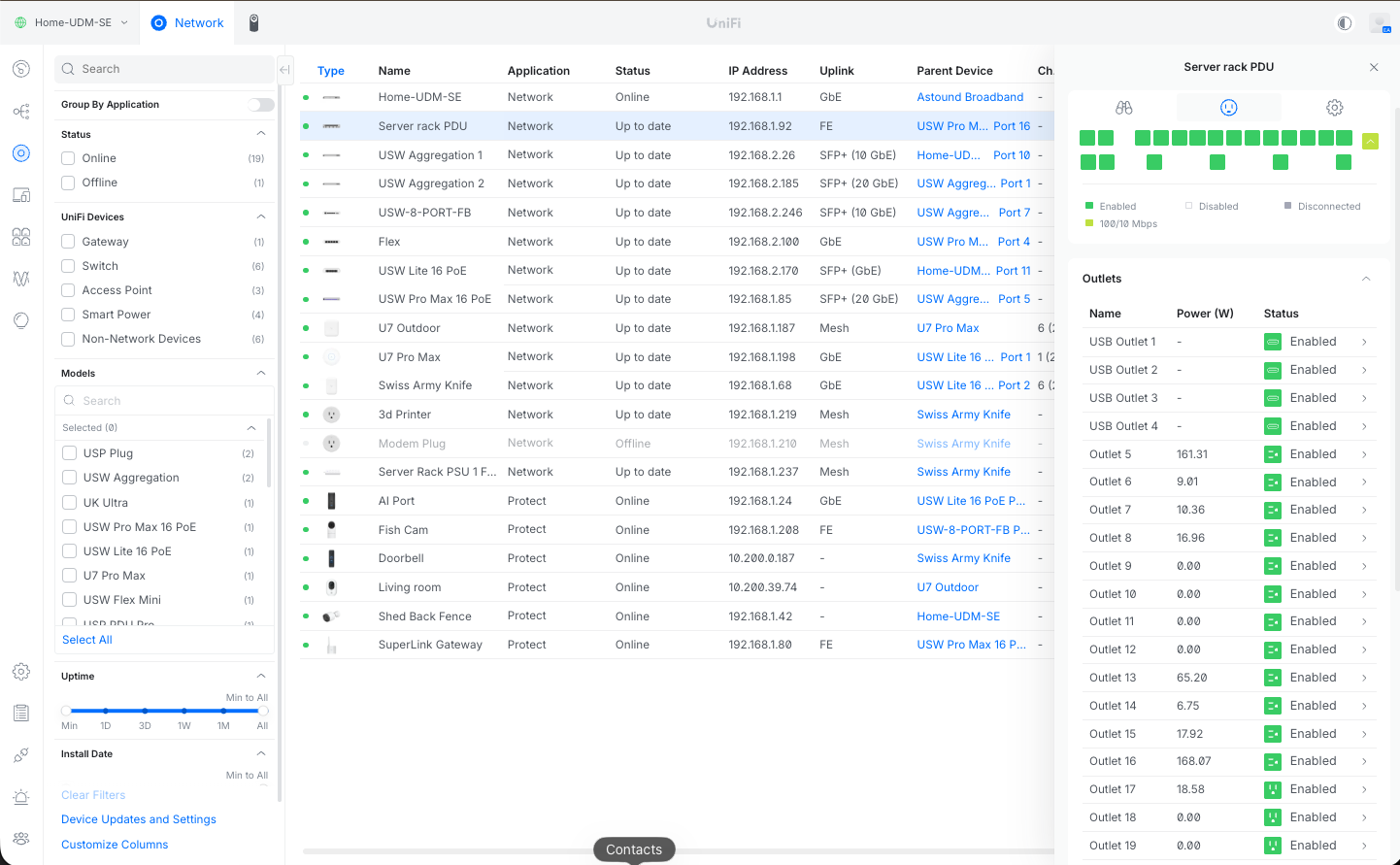
The Ports panel provides a clear, real-time view of every outlet on the PDU Pro. Each of the 20 power outputs is displayed with three key indicators: operational state, current draw in watts, and a quick-glance color status that matches the rest of the UniFi ecosystem.
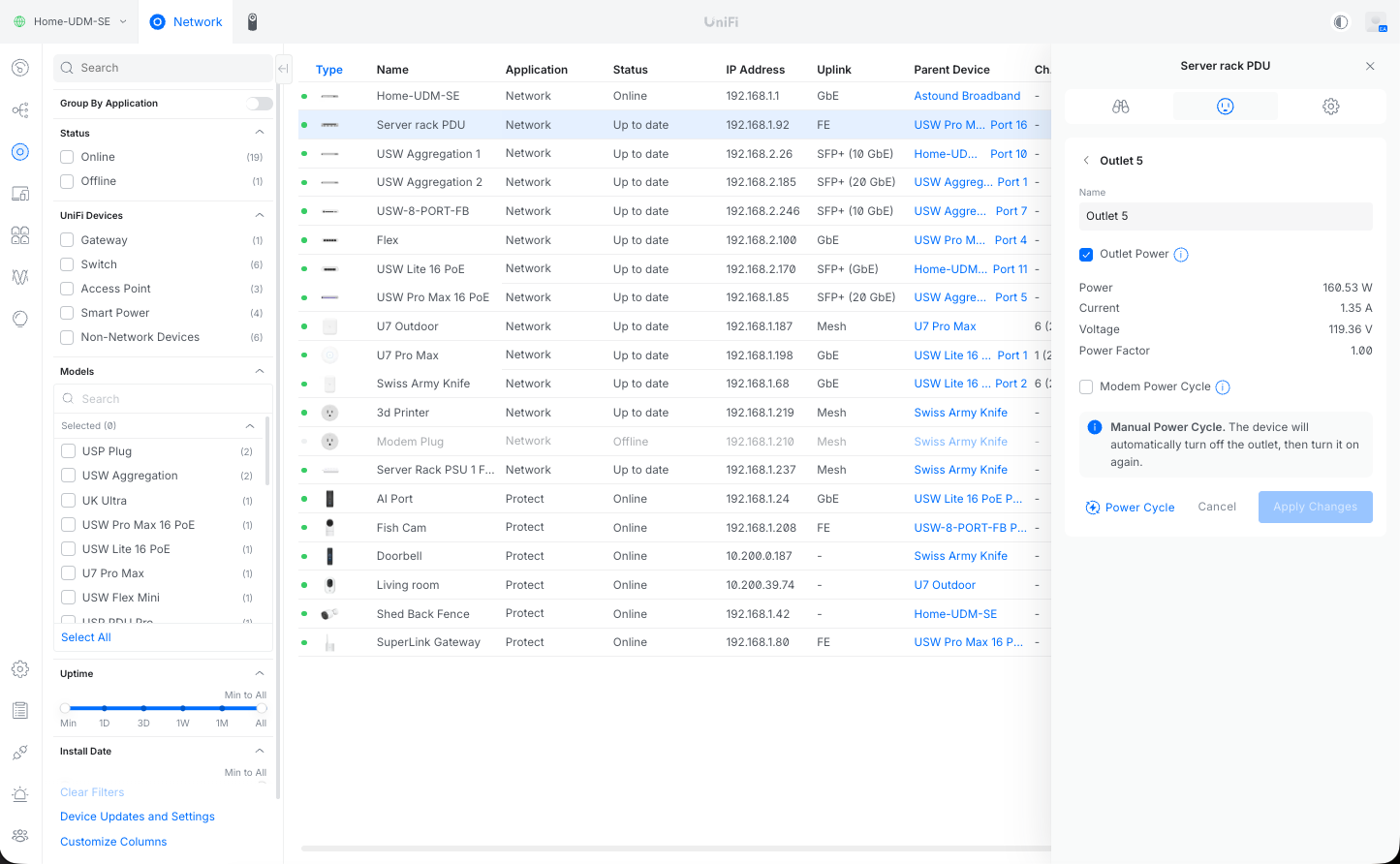
Selecting any outlet opens a detailed control panel that provides all the controls you need to manage individual devices in the rack. Each outlet can be toggled on or off instantly, making it easy to recover unresponsive servers, NVRs, or test hardware without a physical visit. A dedicated manual power-cycle option performs a timed on/off sequence, which proved especially useful for resetting gear, such as rack gear or Proxmox nodes, during benchmarking.
The interface also surfaces real electrical metrics for each outlet, including wattage, current, voltage, and power factor, enabling fast diagnosis of abnormal draw or startup behavior. For devices such as cable modems or ONTs, the PDU Pro includes a Modem Power Cycle option that applies a preset reset routine, ensuring a clean reboot with minimal manual intervention.
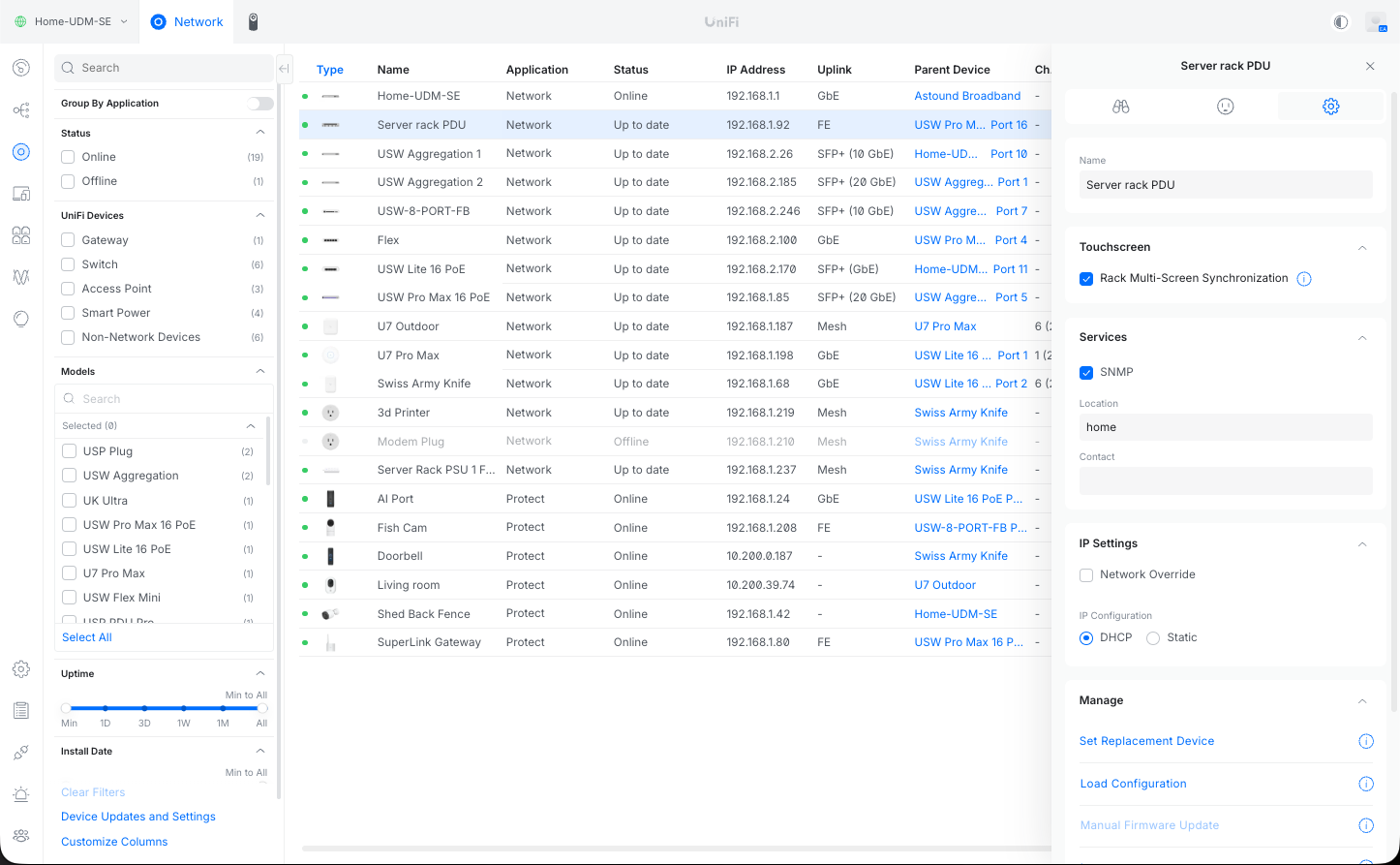
The Settings tab covers the core controls you need for day-to-day management. You can rename the unit, set its location, and enable Rack Multi-Screen Synchronization so the front display matches other UniFi gear in the rack. SNMP support can be enabled for external monitoring, and network settings are easy to configure for DHCP and static addressing.
Closing Thoughts
The Ubiquiti Power Distribution Pro brings a level of visibility and control that traditional PDUs in homelabs and small server racks rarely offer. Its sixteen switchable AC outlets, four USB-C ports, and front touchscreen make everyday power management far easier. At the same time, seamless UniFi adoption turns the entire rack into a single, unified view inside the Network application.
In our deployment, the PDU Pro proved stable, responsive, and genuinely helpful. Remote outlet control eliminated unnecessary trips to the rack. Per-outlet power monitoring made it easy to understand how the gear performed under load, and the clean UniFi interface kept everything organized. For $279, it solves real operational headaches and brings modern manageability to environments where reliability matters but full enterprise PDUs are overkill.


 Amazon