

For most of this page’s long life, “SSD vs HDD” was a genuine buying decision: two technologies competing for the same drive bay. That debate is over. Every mainstream laptop and desktop now ships with an SSD as the boot drive, and in the data center, flash owns the performance tier outright. But that doesn’t make the hard drive obsolete. It makes the question different. The real question in 2026 isn’t which one to buy. It’s where each one belongs. This guide covers exactly that, for both home users and enterprise infrastructure, backed by what we see every day in the StorageReview lab.
The Short Answer
SSDs win on everything except cost per terabyte: speed, latency, power, noise, shock tolerance, and physical density. Hard drives win on one thing, and it’s a big one: bulk capacity at the lowest acquisition cost. So the modern rule is simple. Anything a computer actively works on lives on flash. Anything a computer merely keeps lives wherever the economics say it should, and for large media libraries, backups, and archives, that’s still very often spinning disk.
How They Work (and Why It Matters)
A solid-state drive stores data in NAND flash memory cells with no moving parts. Access to any block is effectively instant, which is why SSDs deliver random-access performance that mechanical drives cannot approach. A hard disk drive stores data magnetically on spinning platters, with an actuator arm physically moving a read/write head to the right track. That mechanical seek is why an HDD that posts respectable sequential transfer numbers still feels slow the moment a workload turns random.
The performance gap is no longer subtle. A current PCIe Gen5 SSD like the SanDisk WD_BLACK SN8100 reads at up to 15GB/s in our testing with millions of IOPS. A modern high-capacity hard drive sustains a few hundred megabytes per second and a few hundred random IOPS. That’s not a generational difference; it’s a category difference. Which is exactly why the two technologies stopped competing and started specializing.
SSD vs HDD for Consumers
The Boot Drive Debate Is Settled
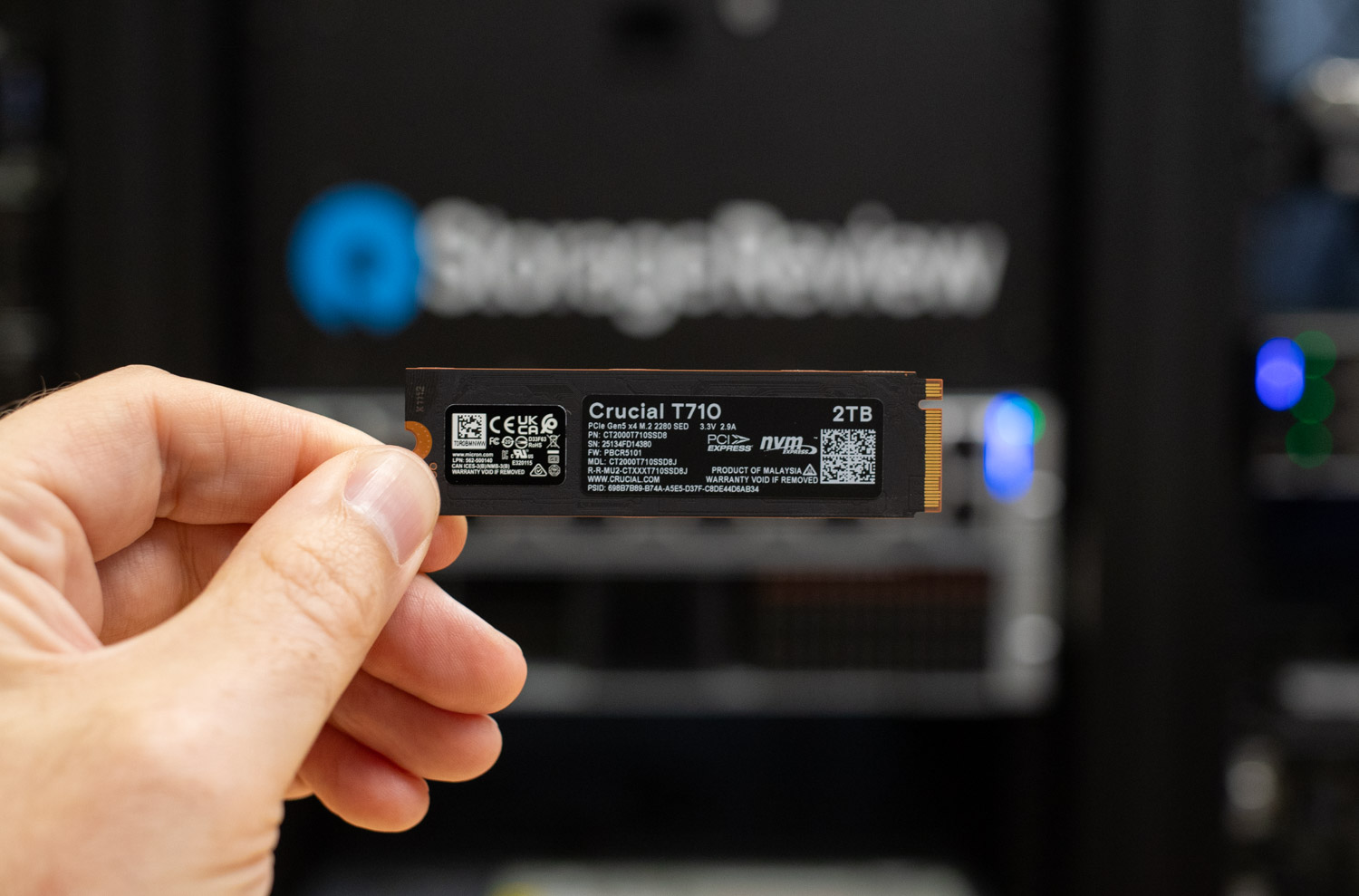
If you bought a laptop or prebuilt desktop in the last several years, it came with an SSD, almost certainly an NVMe M.2 drive. Operating systems, applications, and games are built around flash-level responsiveness, and features like Microsoft DirectStorage assume it. Nobody should install Windows on a hard drive in 2026, and in practice, almost nobody can: many thin laptops no longer have a 2.5-inch bay at all.
So the consumer decision has moved. It’s no longer “SSD or HDD?” It’s “my SSD is full of games and video projects; what’s the smartest way to add ten more terabytes?” And that’s where the hard drive quietly re-enters the conversation.
Where Hard Drives Still Make Sense at Home
Bulk media storage. A movie collection, a photo archive spanning two decades, drone footage, a music library in FLAC: none of this benefits meaningfully from flash. Media files are large, sequentially read, and accessed at bitrates a hard drive services without breaking a sweat. A single modern desktop hard drive holds 20TB or more for roughly the price of a midrange 2TB NVMe SSD. When the job is keeping terabytes of files that you open occasionally, dollars per terabyte is the metric that matters, and the hard drive wins it by a wide margin.
The home NAS. This is the hard drive’s best consumer role in 2026. A two- or four-bay NAS full of NAS-rated hard drives gives you centralized storage for the whole household: a Plex or Jellyfin media server, Time Machine and PC backups, camera archives, and surveillance recording. RAID mirroring or parity protects against a single drive failure, and capacities scale into the hundreds of terabytes without exotic budgets. If you’re planning an array, our RAID calculator will show you exactly how much usable capacity each RAID level yields from your drive count.
Backup targets. The best backup drive is the one big enough that you never have to choose what to protect. External and NAS-based hard drives remain the most economical way to follow the 3-2-1 backup rule at home. An SSD’s speed is wasted on a job that runs overnight.
The Hybrid Home Setup
The best consumer storage strategy in 2026 isn’t SSD or HDD; it’s a deliberate combination. Fast NVMe in the PC for the OS, applications, active game library, and current creative projects. Spinning disk in the NAS or on the shelf for the media library, the backup set, and everything you’d rather keep than re-download. Many NAS platforms will even let you add an M.2 SSD as a read cache in front of the hard drives, which sharpens responsiveness for frequently accessed files while the platters handle capacity. That tiering idea, flash in front and disk behind, is exactly how the enterprise world works too, just at a different scale.
SSD vs HDD in the Enterprise
Flash Owns the Performance Tier
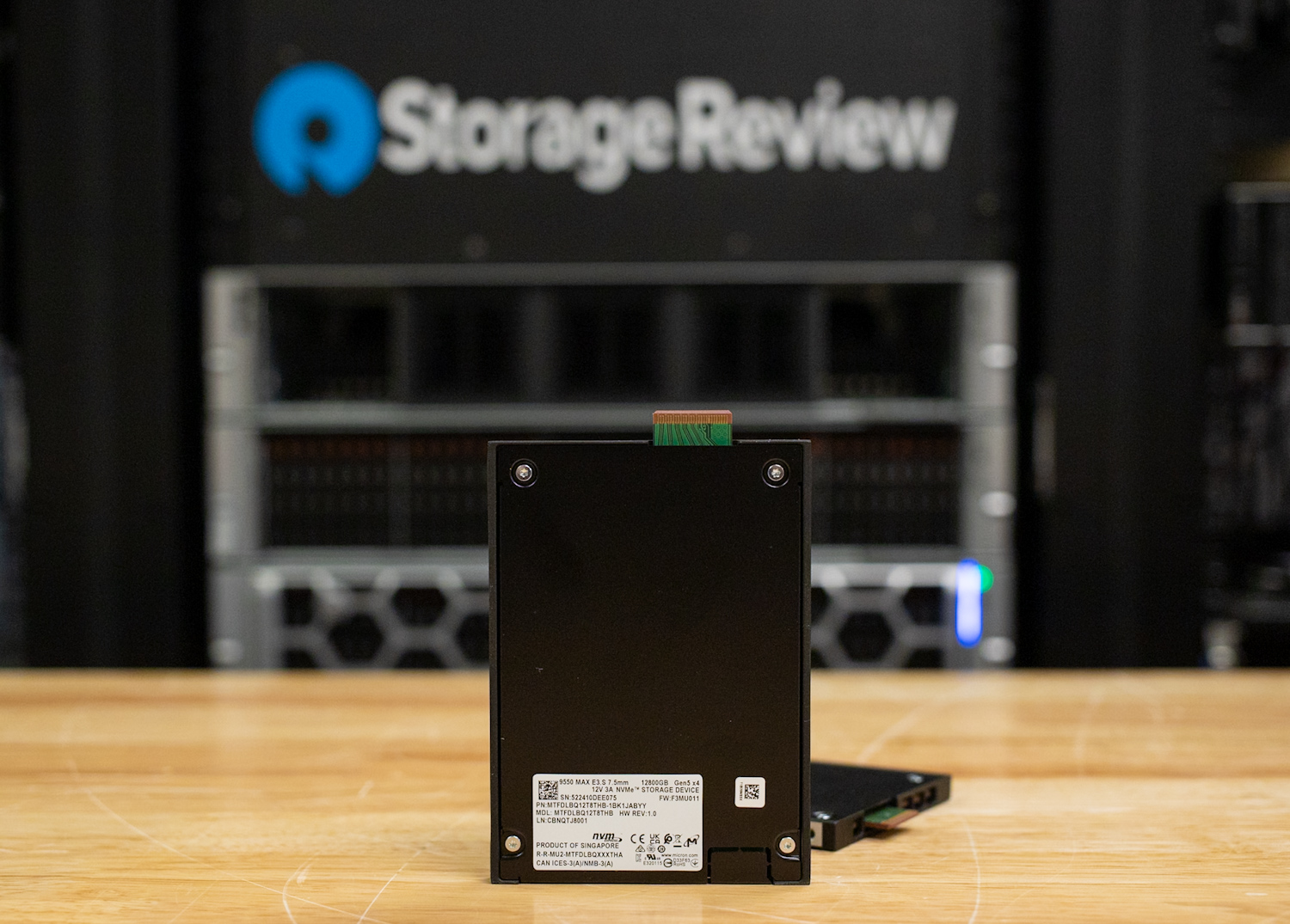
In the data center, anything latency-sensitive left mechanical storage years ago. Databases, virtualization, analytics, and above all AI pipelines run on NVMe flash, where drives like the Micron 9550 MAX sustain double-digit GB/s with 3 DWPD endurance, and the first PCIe Gen6 drives push reads to 28GB/s. GPU-driven infrastructure has made this non-negotiable: when accelerators cost what they cost, storage that leaves them idle is the most expensive component in the rack, whatever its sticker price.
What’s genuinely new is that flash is now attacking capacity, not just performance. Quarter-petabyte QLC SSDs like the Micron 6600 ION 245.76TB and the Solidigm D5-P5336 122.88TB exist to displace hard drives from warm, read-heavy bulk tiers. In our 6600 ION testing, the rack math was stark: roughly 8.2TB per watt versus about 4.4TB per watt for the highest-capacity enterprise HDDs, and a 720-bay E3.L rack reaching 176.9PB where the same bays hold 31.7PB of 44TB hard drives. For operators constrained by power, cooling, and floor space, that density argument increasingly beats the acquisition-price argument, especially for AI data lakes and object stores that are read far more than they are written.
Where Hard Drives Still Fit in the Data Center
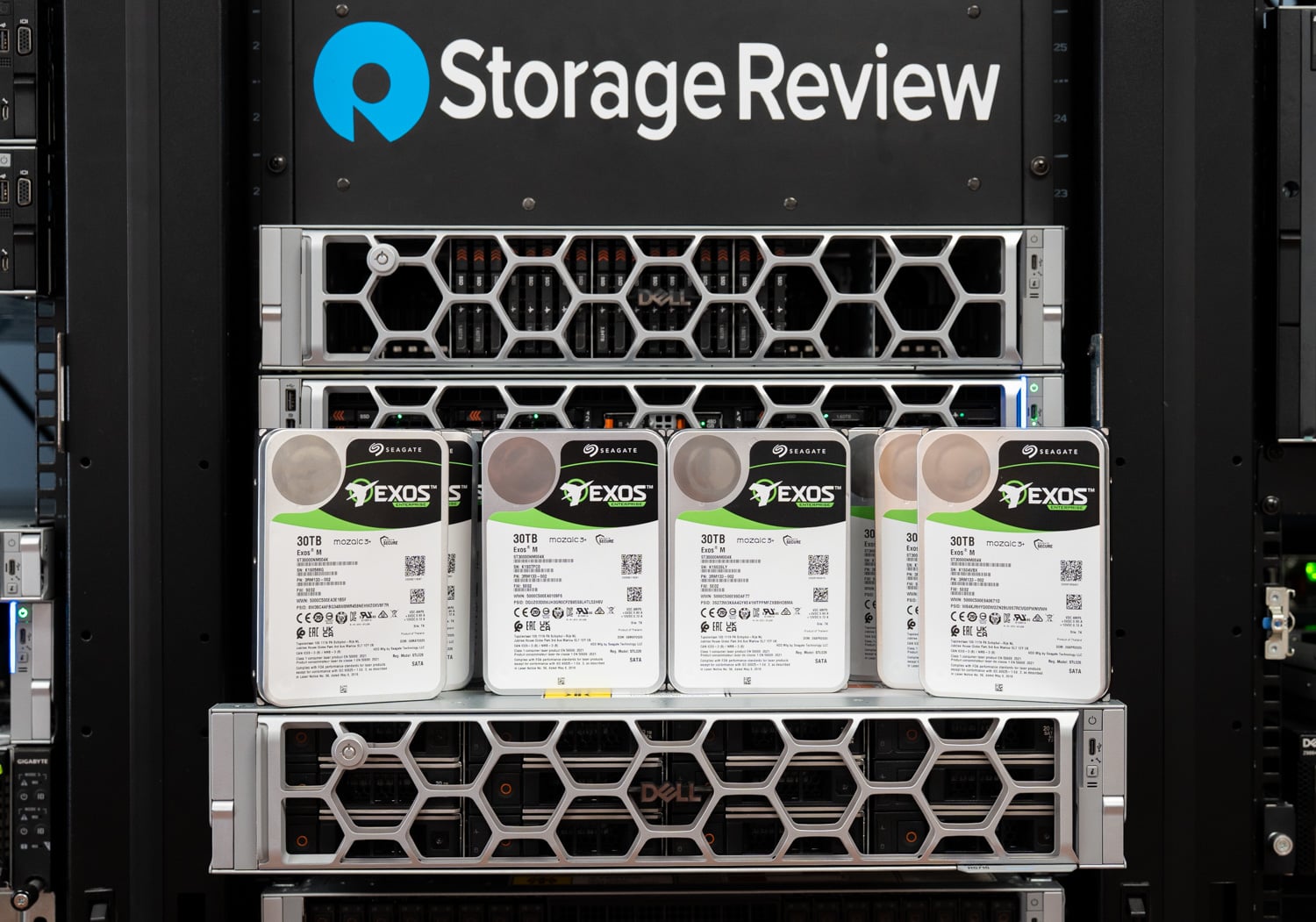
Nearline bulk and object storage. The overwhelming majority of the world’s stored bytes still land on hard drives, and for good reason. Hyperscale object storage, content archives, and secondary tiers hold data that is written once and read rarely, at scales where acquisition cost dominates every other consideration. Industry analyses still put enterprise SSD pricing at several times the cost per terabyte of nearline HDDs, a gap projected to persist for years even as both decline. When you’re buying exabytes, a multiple on $/TB is not a rounding error; it’s the budget.
Cold and archive tiers. Compliance archives, scientific datasets, raw footage vaults, and everything else that must be kept but is almost never touched belongs on the cheapest medium that can still serve it in minutes rather than hours. That’s spinning disk, often spun down or in dense MAID-style shelves, with tape below it for the truly frozen layer. Flash endurance and cost buy nothing here; the data doesn’t move enough to care.
Backup and recovery targets. Disk-based backup appliances and repositories remain overwhelmingly HDD-based. Backup workloads are big, sequential, and scheduled, which is precisely the access pattern hard drives handle well, and recovery-time objectives for most tiers are comfortably met by mechanical throughput, particularly when arrays stripe dozens of spindles together.
Media and surveillance at scale. Broadcast archives, post-production nearline, and large surveillance estates share one profile: enormous, continuously growing datasets with sequential ingest and modest concurrent read demand. Purpose-built surveillance and video-optimized hard drives handle sustained multi-stream writes economically. The active editing tier sits on flash; everything committed sits on platters.
The Moving Boundary
The honest framing for infrastructure planners is that the SSD/HDD boundary is not fixed; it’s a line that moves a little every year, and it moves in one direction. HAMR-based hard drives pushing past 40TB keep the $/TB crown firmly with mechanical storage, while 122TB and 245TB QLC keeps annexing workloads that used to be automatic HDD territory: warm object storage, read-mostly data lakes, and any tier where power and rack space are the binding constraint rather than acquisition budget. If your data is cold and your power is cheap, hard drives remain unbeatable. If your data is warm, your racks are full, or your utility bill is the CFO’s problem, run the TCO math before assuming disk wins. Increasingly, it doesn’t.
Quick Decision Guide
| Use Case | Best Choice | Why |
|---|---|---|
| OS, applications, games | NVMe SSD | Responsiveness, load times, DirectStorage |
| Active creative projects | NVMe SSD | Sustained throughput for large files |
| Home media library / Plex | HDD (NAS) | Lowest $/TB; bitrates don’t need flash |
| Home backup | HDD | Capacity per dollar; speed irrelevant overnight |
| Databases, VMs, analytics | Enterprise NVMe SSD | Latency and IOPS are the workload |
| AI training / inference storage | Enterprise NVMe SSD | GPU utilization depends on storage bandwidth |
| Warm object storage / data lakes | High-capacity QLC SSD or HDD | Run the TCO math; density favors flash, $/TB favors disk |
| Cold archive / compliance | HDD (tape beneath) | Cheapest medium that can still serve in minutes |
| Backup repositories | HDD arrays | Sequential, scheduled, capacity-driven |
| Surveillance / media archives | Purpose-built HDD | Sustained multi-stream sequential writes at scale |
Frequently Asked Questions
Are hard drives obsolete?
No. They’ve exited the performance conversation entirely, but they still store the majority of the world’s bytes because nothing else matches their cost per terabyte at scale. They’ve specialized, not died.
Should I use SSDs or hard drives in a home NAS?
Hard drives for the capacity pool in nearly all cases; the workload (media serving, backups) doesn’t need flash performance, and $/TB dominates. An M.2 SSD cache is a worthwhile addition on platforms that support it. All-flash home NAS builds make sense mainly for video editing over the network or very quiet, compact builds.
Do SSDs last longer than hard drives?
They fail differently. SSDs have finite write endurance but no mechanical wear, and modern TLC drives carry endurance ratings far beyond typical consumer use. Hard drives wear mechanically and are more sensitive to shock and vibration. In practice, both are reliable for years; neither is a substitute for backups.
Is a bigger SSD or an extra hard drive better for a gaming PC?
Games belong on the SSD; modern titles assume it and DirectStorage rewards it. But a hard drive remains a fine home for a recorded-clips library, media, and archived installs you rarely touch. Fill the M.2 slots first, then add platters for bulk.
Want specific drive recommendations? Our continuously updated Leaderboard ranks the best SSDs and hard drives we’ve tested in every category, and the RAID calculator covers array planning for NAS and server builds.


 Amazon